vScriptValOffsetByNormal
Moves each point along the normal estimated at the closest mesh vertex by Offset Distance.
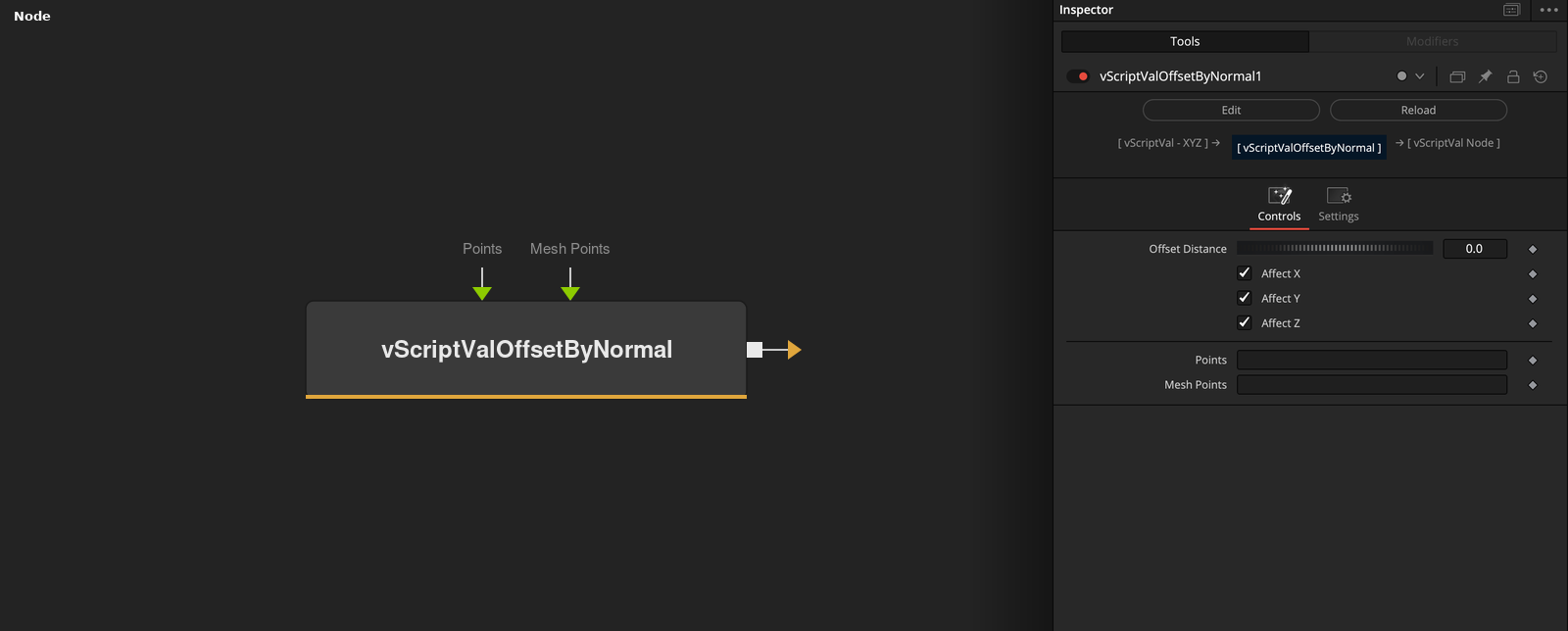
vScriptValOffsetByNormal takes an array of XYZ points and a mesh, and adds the normal estimated at the closest mesh vertex times Offset Distance to each point. Offset Distance is the only value that matters, and it defaults to 0.
Parameters
| Parameter | Type | Default | Description |
|---|---|---|---|
| Offset Distance | Float | 0 | Distance along the normal. Slider -1 to 1, default 0. |
| Affect X | Float | 1 | X is offset when checked (default), otherwise it keeps the input value. |
| Affect Y | Float | 1 | Y is offset when checked (default), otherwise it keeps the input value. |
| Affect Z | Float | 1 | Z is offset when checked (default), otherwise it keeps the input value. |
| Points | DATATYPE | — | Point positions. |
+1 more parameters
| Parameter | Type | Default | Description |
|---|---|---|---|
| Mesh Points | DATATYPE | — | Points of the mesh that the input is compared with. |
Read the full description
For every point the node finds the closest Mesh Points vertex and reads the normal estimated there, which is fitted to the 8 nearest vertices and points away from the center of the mesh. The output point is the input point plus that normal times Offset Distance, so the point moves along the normal from where it is, not from the mesh.
Offset Distance has a slider from -1 to 1 and defaults to 0, which leaves the points where they are. A negative value moves the points against the normal. Affect X, Y and Z are checked by default, and an unchecked axis keeps its input value.
If the points or the mesh are empty, the output is empty.
Example Connections
- Push a grid away from a loaded mesh and draw
- Offset scattered points
vScriptValPointsOnGrid.Output -> vScriptValOffsetByNormal.ArrayPoints
vScriptValFromOBJ.Points -> vScriptValOffsetByNormal.MeshPoints
vScriptValOffsetByNormal.Output -> vScriptValCameraProjection.ArrayA
vScriptValCameraProjection.Output -> vScriptValShapeRender.ArrayPoint
Background.Output -> vScriptValShapeRender.Input
vScriptValScatterOnMesh.Output -> vScriptValOffsetByNormal.ArrayPoints
vScriptValFromOBJ.Points -> vScriptValOffsetByNormal.MeshPoints
vScriptValOffsetByNormal.Output -> vScriptValTranslate.Input