vScriptValApplyMask
Blends Base and Modified points per point, using a mask value from 0 to 1.
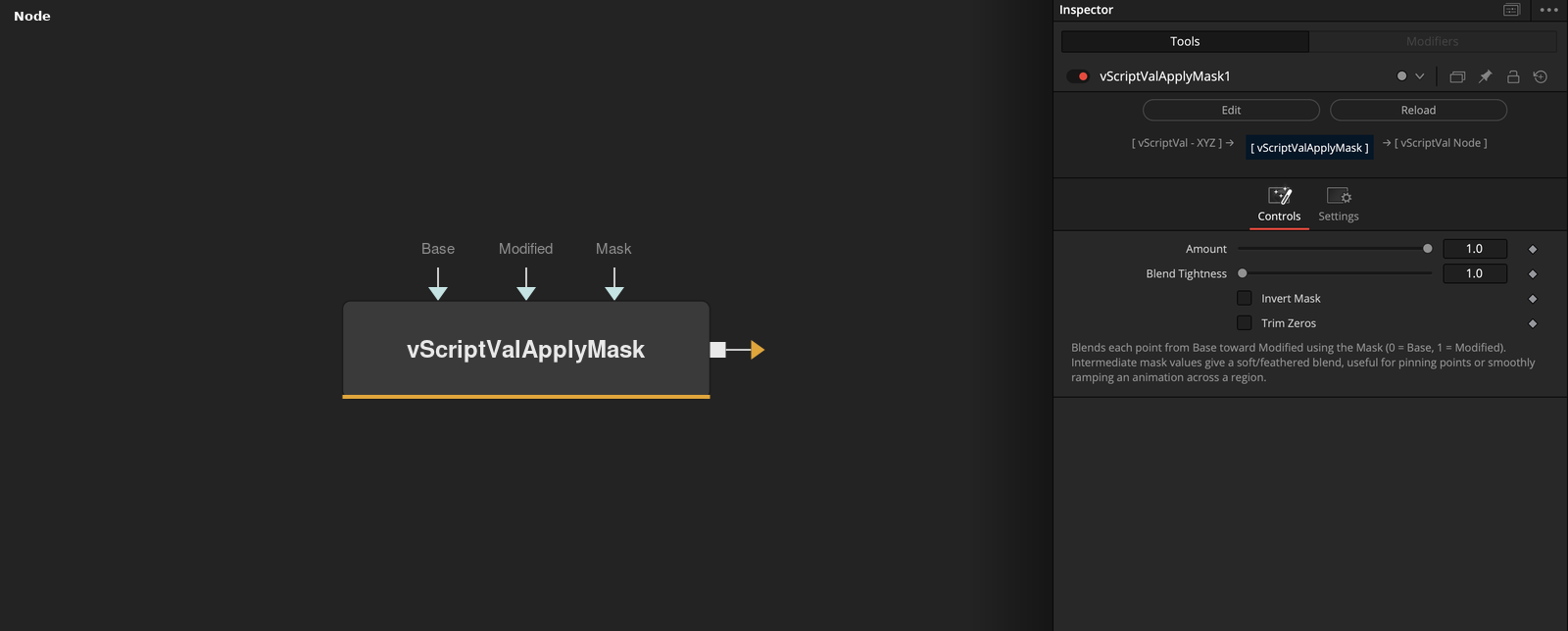
vScriptValApplyMask takes Base, Modified and Mask arrays and outputs points between Base and Modified. A mask value of 0 keeps Base and 1 uses Modified, and Amount scales the whole effect.
Parameters
| Parameter | Type | Default | Description |
|---|---|---|---|
| Base | DATATYPE | — | Points that are kept where the mask is 0. |
| Modified | DATATYPE | — | Points that are used where the mask is 1. |
| Mask | DATATYPE | — | One number per index. A list contributes its first value. Missing entries count as 1. |
| Amount | Float | 1.0 | Overall strength of the mask, clamped to 0 to 1. Default 1. |
| Blend Tightness | Float | 1.0 | Reshapes the mask with a power curve. 1 (default) leaves it unchanged, larger values push values below 0.5 toward 0 and above 0.5 toward 1. Slider 1 to 10. |
+2 more parameters
| Parameter | Type | Default | Description |
|---|---|---|---|
| Invert Mask | Integer | 0 | Uses 1 minus the mask value. Default off. |
| Trim Zeros | Integer | 0 | Removes output points whose X, Y and Z are all 0. Default off. |
Read the full description
Output = Base + (Modified - Base) * m for each index, where m is the mask value after the steps below. The mask value is clamped to 0 to 1, inverted if Invert Mask is on, reshaped by Blend Tightness and multiplied by Amount. A mask element that is a list contributes its first value.
Blend Tightness 1 leaves the mask unchanged. Larger values pull values below 0.5 toward 0 and above 0.5 toward 1 with a power curve. The node runs for as many indices as the longest of the three arrays. A missing mask entry counts as 1 and a missing point as 0, 0, 0.
Trim Zeros removes every output point whose X, Y and Z are all 0.
Example Connections
- Blend a grid with a jittered copy
- Draw the blended points
vScriptValPointsOnGrid.Output -> vScriptValApplyMask.Base
vScriptValPointsOnGrid.Output -> vScriptValPointsJitter.Input
vScriptValPointsJitter.Output -> vScriptValApplyMask.Modified
vScriptValApplyMask.Output -> vScriptValCameraProjection.ArrayA
vScriptValApplyMask.Output -> vScriptValCameraProjection.ArrayA
vScriptValCameraProjection.Output -> vScriptValShapeRender.ArrayPoint
Background.Output -> vScriptValShapeRender.Input