vScriptValMapRange
Remaps every number in an array from its own smallest and largest value to a new range.
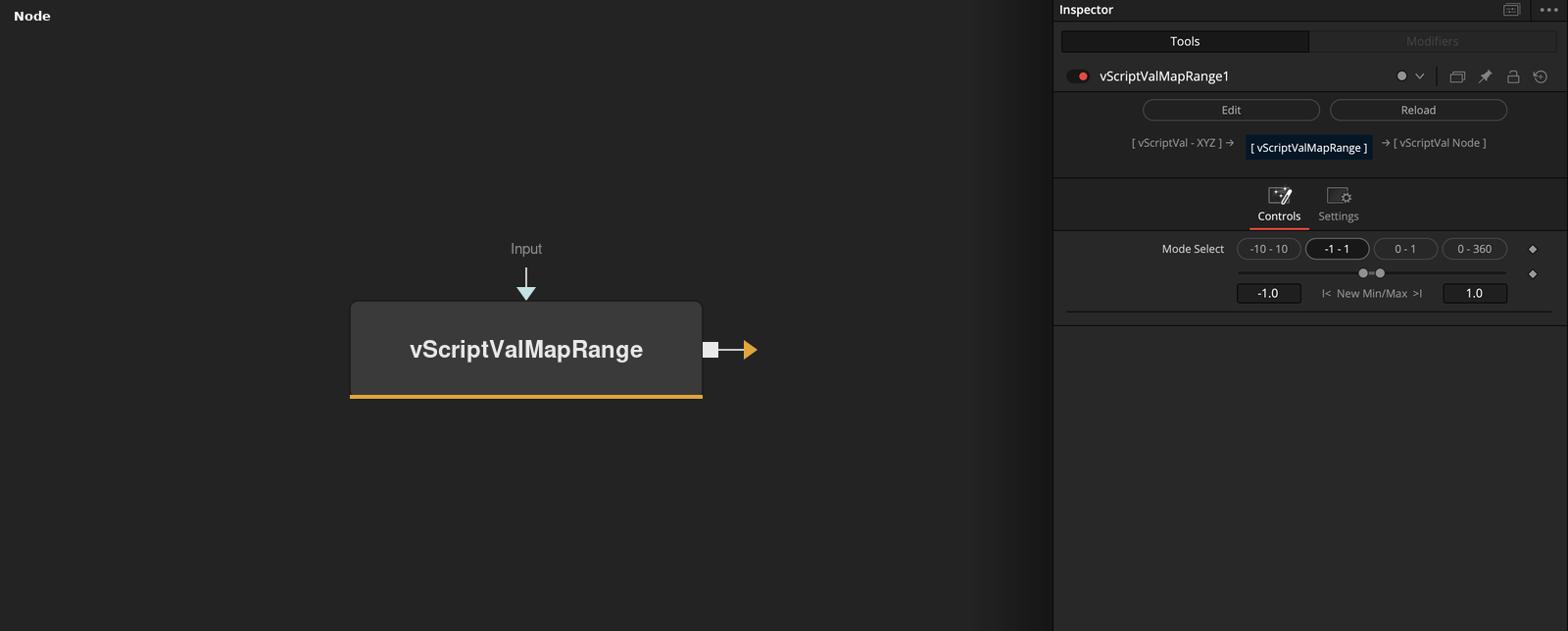
vScriptValMapRange finds the smallest and the largest number in the whole input and maps that range linearly to New Min and New Max. The four Mode Select buttons are shortcuts for common new ranges.
Parameters
| Parameter | Type | Default | Description |
|---|---|---|---|
| Mode Select | Dropdown | -1 - 1 | Buttons for -10 - 10, -1 - 1, 0 - 1 and 0 - 360. Pressing one sets New Min and New Max. The node does not read the selected button. |
| NewMin | Float | -1 | Value that the smallest input number becomes. Allowed -50 to 50, default -1. |
| NewMax | Float | 1 | Value that the largest input number becomes. Allowed -50 to 50, default 1. |
| Input | DATATYPE | — | Data to process. |
Read the full description
The node scans every number in the input, including numbers inside lists, and takes the smallest and largest one. Each number v then becomes NewMin + (v - min) * (NewMax - NewMin) / (max - min). The range is shared by all values and axes, so X, Y and Z are not remapped on their own. Text values that read as numbers are remapped too, and other values pass through.
Mode Select does not change the calculation. Its buttons -10 - 10, -1 - 1, 0 - 1 and 0 - 360 write those numbers into New Min and New Max when pressed. New Min and New Max accept -50 to 50 and default to -1 and 1, which is the default -1 - 1 button. If every number in the input is equal, all of them become New Min. The output is not clamped.
Example Connections
- Remap displaced points and draw
- Remap noise values
vScriptValPointsOnGrid.Output -> vScriptValDisplaceValues.ArrayA
vScriptValDisplaceValues.Output -> vScriptValMapRange.ArrayA
vScriptValMapRange.Output -> vScriptValCameraProjection.ArrayA
vScriptValCameraProjection.Output -> vScriptValShapeRender.ArrayPoint
Background.Output -> vScriptValShapeRender.Input
vScriptValNoise.Output -> vScriptValMapRange.ArrayA
vScriptValMapRange.Output -> vScriptValApplyMask.Mask