vScriptValJitterOnMesh
Jumps each point randomly in the local tangent plane, then snaps it to the closest mesh vertex.
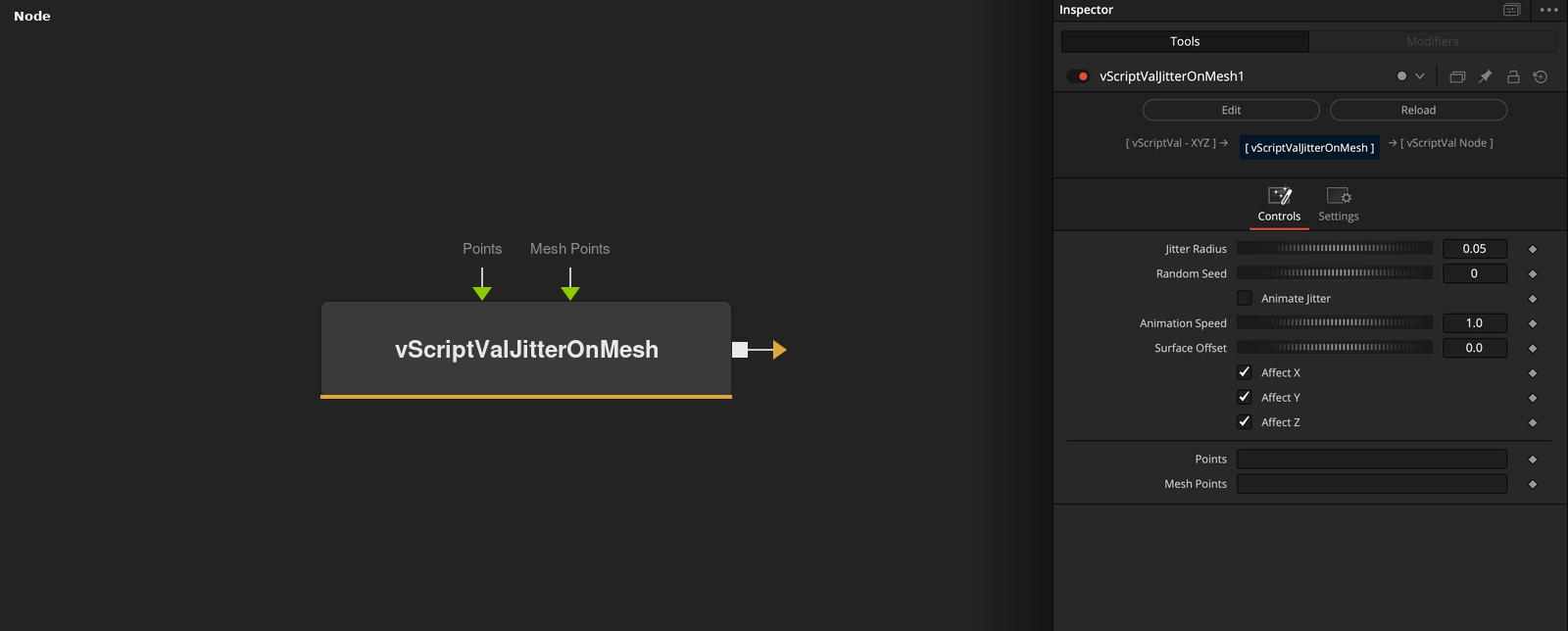
vScriptValJitterOnMesh takes an array of XYZ points and a mesh. Each point is moved by a random distance up to Jitter Radius in the tangent plane at the nearest mesh vertex, then replaced by the closest mesh vertex to that position.
Parameters
| Parameter | Type | Default | Description |
|---|---|---|---|
| Jitter Radius | Float | 0.05 | Largest distance of the random move in the tangent plane, before the snap to a vertex. Minimum 0, slider 0 to 1, default 0.05. |
| Random Seed | Integer | 0 | Integer from 0, slider to 100000, default 0. |
| Animate Jitter | Float | 0 | Changes the seed with the render time when on. Default off. |
| Animation Speed | Float | 1 | Multiplies the render time for the seed steps. Minimum 0, slider 0 to 10, default 1. |
| Surface Offset | Float | 0 | Distance from the vertex along its estimated normal. Slider -1 to 1, default 0. |
+5 more parameters
| Parameter | Type | Default | Description |
|---|---|---|---|
| Affect X | Float | 1 | X comes from the result when checked (default), otherwise it keeps the input value. |
| Affect Y | Float | 1 | Y comes from the result when checked (default), otherwise it keeps the input value. |
| Affect Z | Float | 1 | Z comes from the result when checked (default), otherwise it keeps the input value. |
| Points | DATATYPE | — | Point positions. |
| Mesh Points | DATATYPE | — | Points of the mesh that the input is compared with. |
Read the full description
For each point the node finds the closest mesh vertex and builds two tangent directions from the normal estimated there. It picks a random angle and a distance up to Jitter Radius (spread evenly over the disk), moves the point there, and takes the closest mesh vertex to the result. Surface Offset moves that vertex along its estimated normal.
The output points are therefore mesh vertices, so a small Jitter Radius on a coarse mesh often returns the same vertex. Random Seed (default 0) fixes the sequence, so the same Seed, points and mesh give the same result. With Animate Jitter on, the seed also changes by 12345 for every whole step of render time times Animation Speed. Affect X, Y and Z keep unchecked axes at their input value.
If the mesh or the points are empty, the points are output unchanged.
Example Connections
- Jitter a grid on a loaded mesh and draw
- Jitter scattered points
vScriptValPointsOnGrid.Output -> vScriptValJitterOnMesh.ArrayPoints
vScriptValFromOBJ.Points -> vScriptValJitterOnMesh.MeshPoints
vScriptValJitterOnMesh.Output -> vScriptValCameraProjection.ArrayA
vScriptValCameraProjection.Output -> vScriptValShapeRender.ArrayPoint
Background.Output -> vScriptValShapeRender.Input
vScriptValScatterOnMesh.Output -> vScriptValJitterOnMesh.ArrayPoints
vScriptValFromOBJ.Points -> vScriptValJitterOnMesh.MeshPoints
vScriptValJitterOnMesh.Output -> vScriptValTranslate.Input