vArraySin
Replaces every coordinate with an amplitude-scaled sine or cosine of the coordinate.
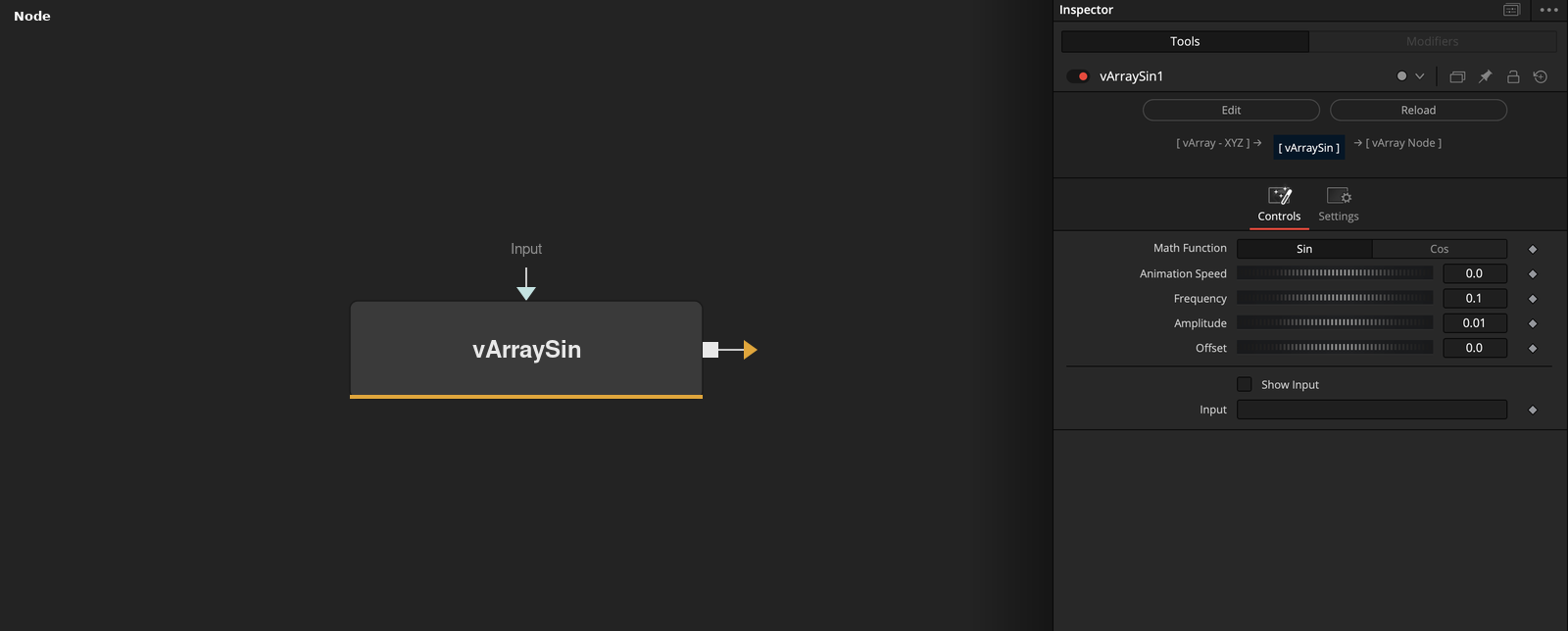
vArraySin takes an array of points and outputs amplitude * wave(value * Frequency + phase) + offset for every coordinate. Math Function picks sine or cosine, and Animation Speed moves the phase with the render time.
Parameters
| Parameter | Type | Default | Description |
|---|---|---|---|
| Math Function | Dropdown | Sin | Sin (default) gives sine, Cos gives cosine. |
| Animation Speed | Float | 0 | Added to the phase as this value times the render time. Slider 0 to 5, default 0. |
| Frequency | Float | 0.1 | Multiplies each value inside the wave. Slider -1 to 1, default 0.1. |
| Amplitude | Float | 0.01 | Multiplies the wave. Slider -1 to 1, default 0.01. |
| Offset | Float | 0.0 | Added to every coordinate, multiplied by the point number. Slider -1 to 1, default 0. |
+2 more parameters
| Parameter | Type | Default | Description |
|---|---|---|---|
| Show Input | Integer | 0.0 | Shows the input ports of Animation Speed, Frequency, Amplitude and Offset when on. Default off. |
| Input | DATATYPE | — | Points whose coordinates are replaced. |
Read the full description
Each coordinate v of each point becomes Amplitude * f(v * Frequency + Animation Speed * time) + Offset * i, where i is the number of the point counted from 1. The result replaces the input value. The defaults are Frequency 0.1, Amplitude 0.01 and Offset 0.
Math Function picks f: Sin, the default, gives sine and Cos gives cosine. Animation Speed (default 0) times the render time is added inside the wave. Show Input exposes the Animation Speed, Frequency, Amplitude and Offset ports on the node. In the Array version, points with fewer than 3 values are dropped.
Example Connections
- Wave a circle and draw
- Unpack, wave and pack again
vArrayPointsOnCircle.Output -> vArraySin.ArrayA
vArraySin.Output -> vArrayCameraProjection.ArrayA
vArrayCameraProjection.Output -> vArrayShapeRender.ArrayPoint
Background.Output -> vArrayShapeRender.Input
vArrayPointsOnCircle.Output -> vArrayUnPacker.ArrayA
vArrayUnPacker.OutputArray -> vArraySin.ArrayA
vArraySin.Output -> vArrayPacker.ArrayA
vArrayPacker.Output -> vArrayCameraProjection.ArrayA