vArrayPacker
Cuts a flat array into groups of a chosen size.
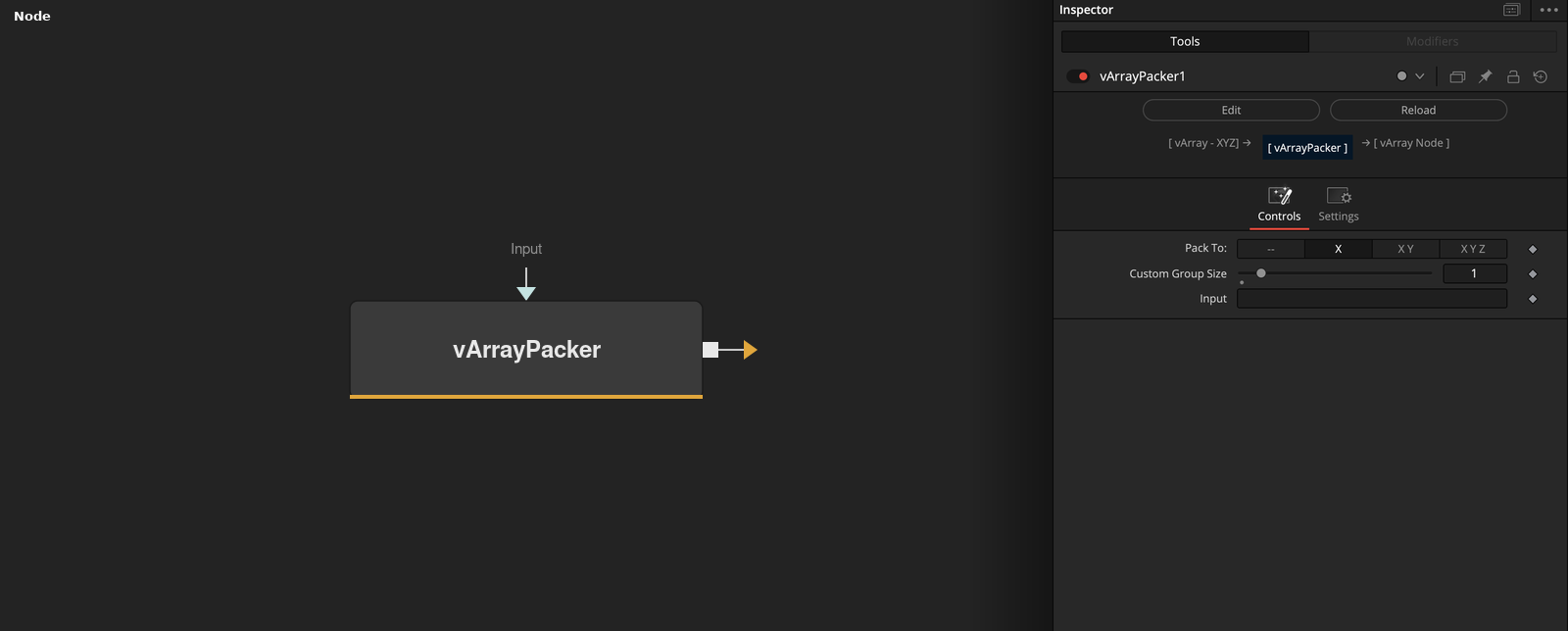
vArrayPacker takes a flat array and outputs a list of groups, each holding Custom Group Size consecutive elements. The Pack To buttons set the group size to 1, 2 or 3.
Parameters
| Parameter | Type | Default | Description |
|---|---|---|---|
| Pack To: | Dropdown | X | Buttons --, X (default), X Y and X Y Z. Pressing one sets Custom Group Size to 0, 1, 2 or 3. The node does not read the selected button. |
| Custom Group Size | Integer | 1 | Number of elements per group. Range 0 to 100, default 1. 0 puts all elements in one group. |
| Input | DATATYPE | — | Data to process. |
Read the full description
The node walks the input in order and fills a group until it holds Custom Group Size elements, then starts a new one. A last group with fewer elements is kept as it is, without padding. So 7 numbers with a group size of 3 give groups of 3, 3 and 1 numbers.
The Pack To buttons write 0 (--), 1 (X), 2 (X Y) or 3 (X Y Z) into Custom Group Size when pressed. The node uses only Custom Group Size, which defaults to 1, the same as the default X button. A size of 0 packs every element into a single group.
Custom Group Size allows 0 to 100, and can be connected to another node.
Example Connections
- Unpack, change and pack again
- Group the values of a list
vArrayPointsOnCircle.Output -> vArrayUnPacker.ArrayA
vArrayUnPacker.OutputArray -> vArraySin.ArrayA
vArraySin.Output -> vArrayPacker.ArrayA
vArrayPacker.Output -> vArrayCameraProjection.ArrayA
vArrayRandom.Output -> vArrayPacker.ArrayA
vArrayPacker.Output -> vArrayTranslate.Input