vArrayProfileTransform
Scales, mirrors, rotates and moves a 2D profile in X and Y.
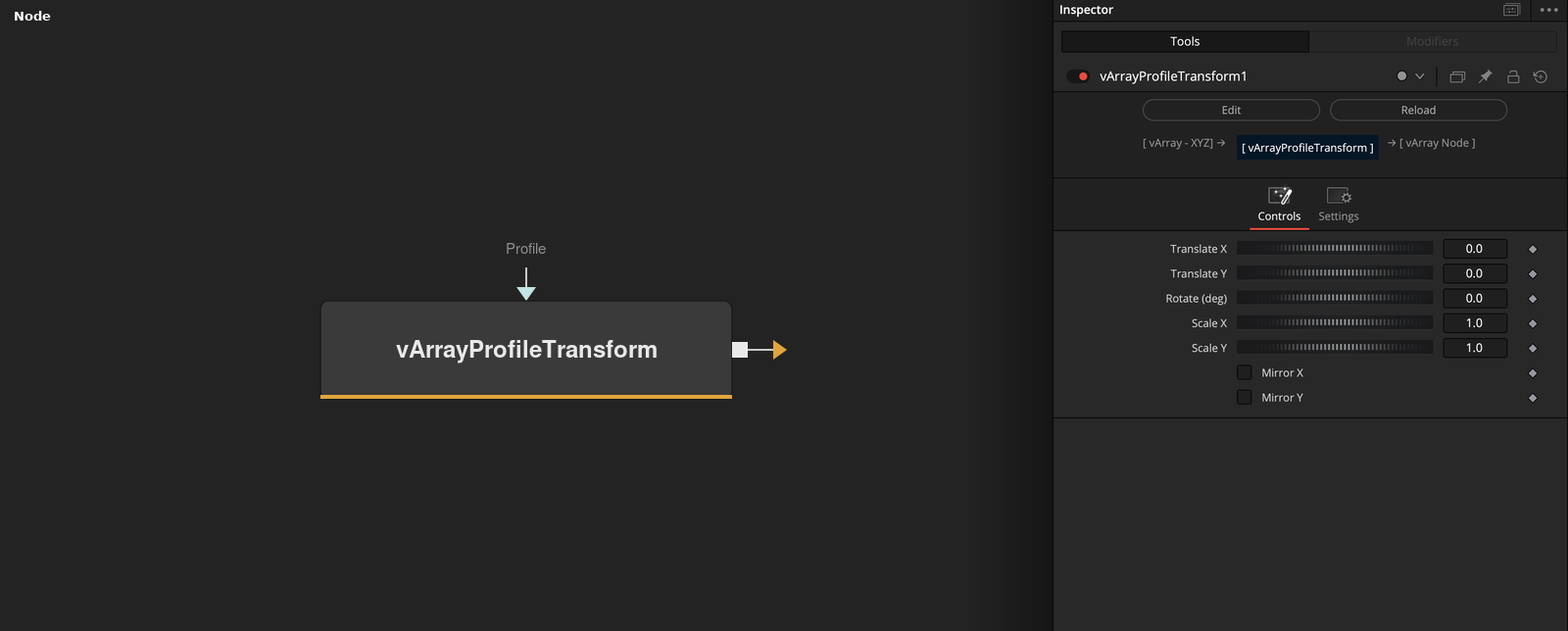
vArrayProfileTransform takes a profile, a list of points, and outputs it after scale, mirror, rotation and translation. Z is left as it is.
Parameters
| Parameter | Type | Default | Description |
|---|---|---|---|
| Translate X | Float | 0 | Added to X after the rotation. Default 0. |
| Translate Y | Float | 0 | Added to Y after the rotation. Default 0. |
| Rotate (deg) | Float | 0 | Rotation around the origin in degrees. Default 0. |
| Scale X | Float | 1 | Multiplies X before the rotation. Slider -10 to 10, default 1. |
| Scale Y | Float | 1 | Multiplies Y before the rotation. Slider -10 to 10, default 1. |
+3 more parameters
| Parameter | Type | Default | Description |
|---|---|---|---|
| Mirror X | Integer | 0 | Flips the sign of Scale X when on. Default off. |
| Mirror Y | Integer | 0 | Flips the sign of Scale Y when on. Default off. |
| Profile | DATATYPE | — | The profile points. |
Read the full description
Each point is changed in this order: X and Y are multiplied by Scale X and Scale Y (Mirror X or Mirror Y flips the sign of that scale), then turned around the origin by Rotate in degrees, then moved by Translate X and Y. Z is not changed. A positive Rotate turns the X axis toward the Y axis. The defaults (Translate 0, Rotate 0, Scale 1, mirrors off) leave the profile as it is.
The input can be a point array or a packet with a profile key. Points can be lists or tables with x, y and z keys. The output is a point array with 3 values per point. An empty input gives an empty output.
Example Connections
- Place a profile and sweep it
- Rotate a profile and draw it
vArrayPointsOnRectangle.Output -> vArrayProfileTransform.Profile
vArrayProfileTransform.Output -> vArrayRenderSweepProfile.Profile
vArrayPathFrame.Output -> vArrayRenderSweepProfile.PathPacket
vArrayPointsOnCircle.Output -> vArrayProfileTransform.Profile
vArrayProfileTransform.Output -> vArrayCameraProjection.ArrayA