vArrayAttractToMesh
Moves each point toward the closest mesh vertex by a Blend amount.
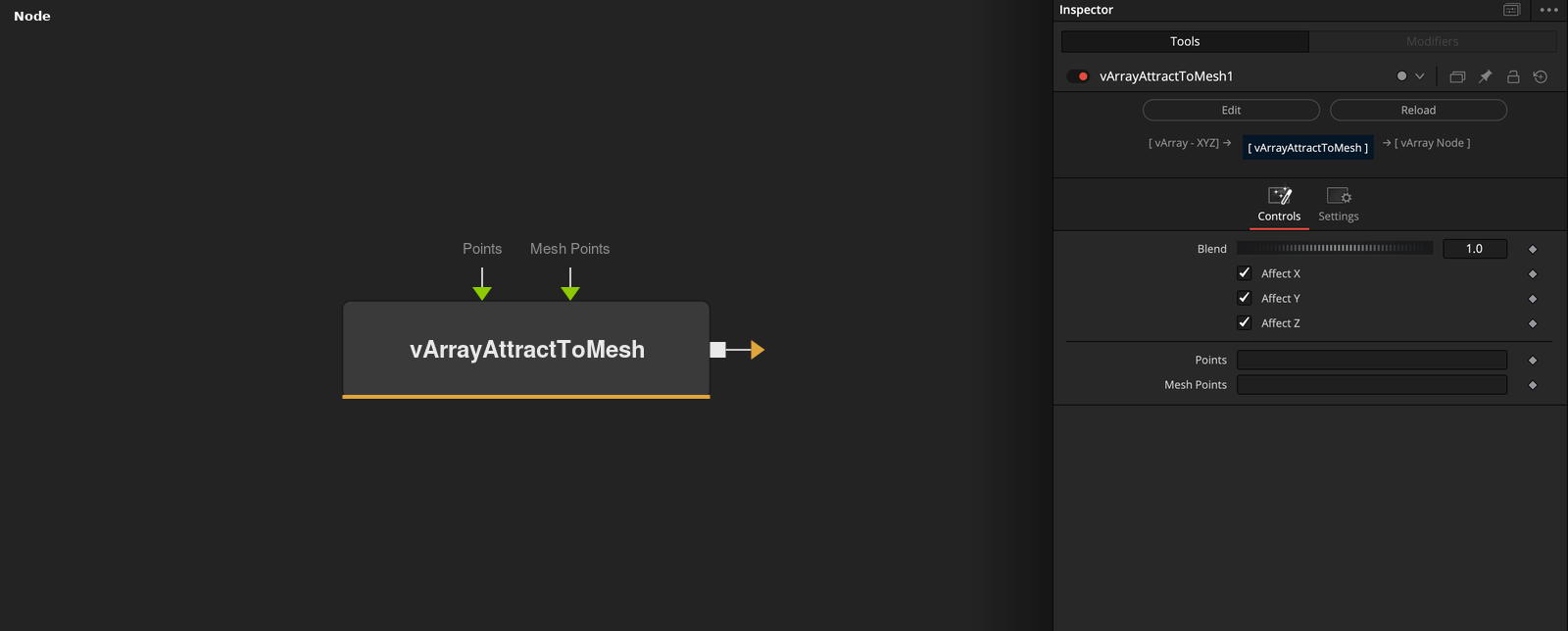
vArrayAttractToMesh takes an array of XYZ points and a mesh, and outputs each point moved toward the closest Mesh Points vertex. Blend sets how far, from 0 (no move) to 1 (on the vertex).
Parameters
| Parameter | Type | Default | Description |
|---|---|---|---|
| Blend | Float | 1 | Mix between the input point (0) and the closest vertex (1). Clamped to 0 to 1 in the code, default 1. |
| Affect X | Float | 1 | X moves toward the vertex when checked (default), otherwise it keeps the input value. |
| Affect Y | Float | 1 | Y moves toward the vertex when checked (default), otherwise it keeps the input value. |
| Affect Z | Float | 1 | Z moves toward the vertex when checked (default), otherwise it keeps the input value. |
| Points | DATATYPE | — | Point positions. |
+1 more parameters
| Parameter | Type | Default | Description |
|---|---|---|---|
| Mesh Points | DATATYPE | — | Points of the mesh that the input is compared with. |
Read the full description
For every input point the node finds the closest vertex of Mesh Points. The output is the input point plus (vertex - input point) * Blend, so Blend 0 keeps the input and Blend 1 puts the point on the vertex.
Blend is clamped to 0 to 1 even though the control accepts other values, and its default is 1. Affect X, Y and Z are checked by default. An unchecked axis keeps the input value, so the point moves only within the checked axes.
The search compares every point with every vertex. Only the vertex list is used, not edges or faces. If Points or Mesh Points is empty, the output is empty.
Example Connections
- Pull a grid toward a loaded mesh and draw
- Attract scattered points
vArrayPointsOnGrid.Output -> vArrayAttractToMesh.ArrayPoints
vArrayFromOBJ.Points -> vArrayAttractToMesh.MeshPoints
vArrayAttractToMesh.Output -> vArrayCameraProjection.ArrayA
vArrayCameraProjection.Output -> vArrayShapeRender.ArrayPoint
Background.Output -> vArrayShapeRender.Input
vArrayRandom.Output -> vArrayAttractToMesh.ArrayPoints
vArrayFromOBJ.Points -> vArrayAttractToMesh.MeshPoints
vArrayAttractToMesh.Output -> vArrayCameraProjection.ArrayA