vArrayRotateValues
Cycles the elements of an array forward or backward by a number of positions.
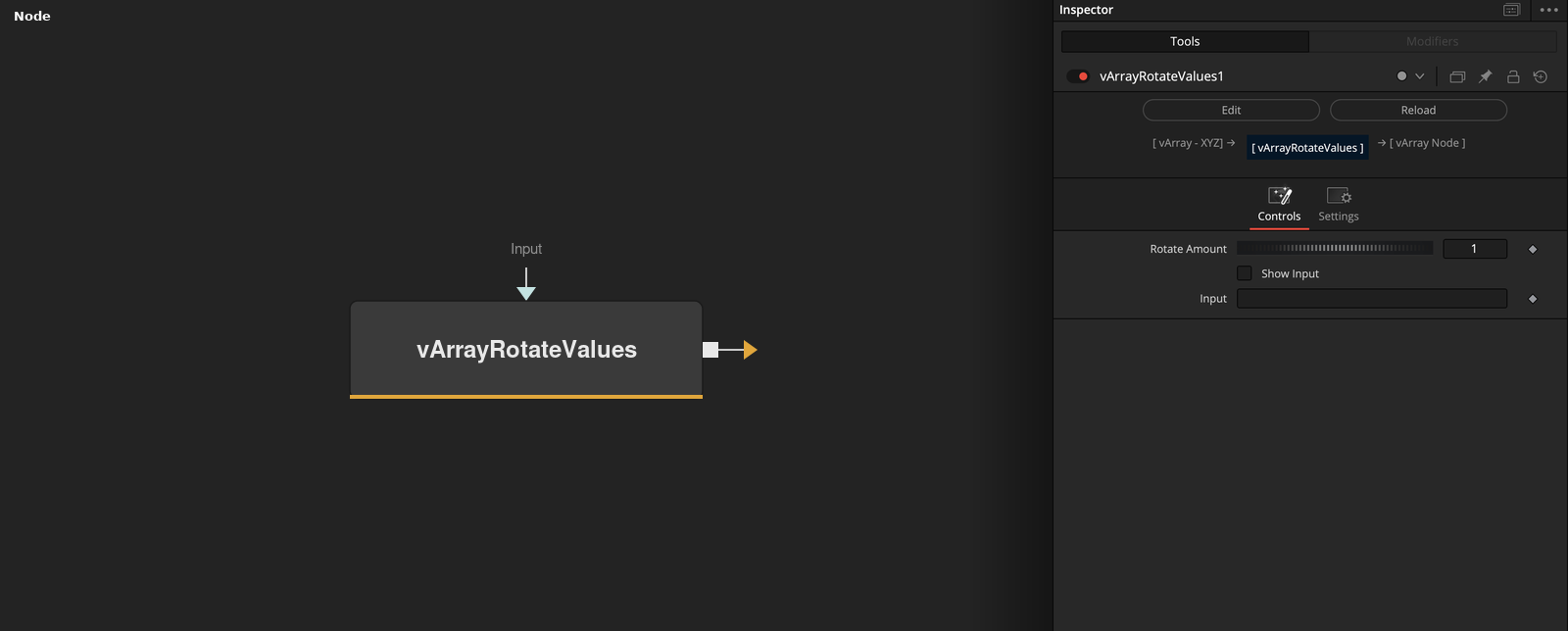
vArrayRotateValues takes an array and moves every element by Rotate Amount positions, wrapping the elements that fall off one end around to the other. Rotate Amount is the only setting.
Parameters
| Parameter | Type | Default | Description |
|---|---|---|---|
| Rotate Amount | Integer | 1 | Number of positions to shift. Whole numbers from -100 to 100, default 1. Positive moves toward the end. |
| Pass Thru: 0 or 1 | Integer | 0.0 | Hidden control. When on, the rotation is skipped and the array is returned in its input order. Default off. |
| Show Input | Integer | 0.0 | Shows the input port of Rotate Amount when on. Default off. |
| Input | DATATYPE | — | Array whose elements are shifted. |
Read the full description
With Rotate Amount 1 (the default) every element moves one place toward the end, and the last element becomes the first. A negative amount moves the elements toward the start, and the first element becomes the last. The amount can be -100 to 100, whole numbers, and a larger amount than the array length wraps around.
The elements can be numbers, points or lists, and they are not changed. Show Input makes the Rotate Amount input port visible, so the amount can be connected to another node. The hidden Pass Thru control, when on, sets the amount to 0 and the array keeps its order.
Example Connections
- Cycle the points of a ring and draw
- Shift a list for a stagger
vArrayPointsOnCircle.Output -> vArrayRotateValues.ArrayA
vArrayRotateValues.Output -> vArrayCameraProjection.ArrayA
vArrayCameraProjection.Output -> vArrayShapeRender.ArrayPoint
Background.Output -> vArrayShapeRender.Input
vArrayCreateRange.Output -> vArrayRotateValues.ArrayA
vArrayRotateValues.Output -> vArrayMath.ArrayA