vScriptValCubicBezier
Create a smoothed path through control points typed in as values, using cubic Bezier segments with a tension control.
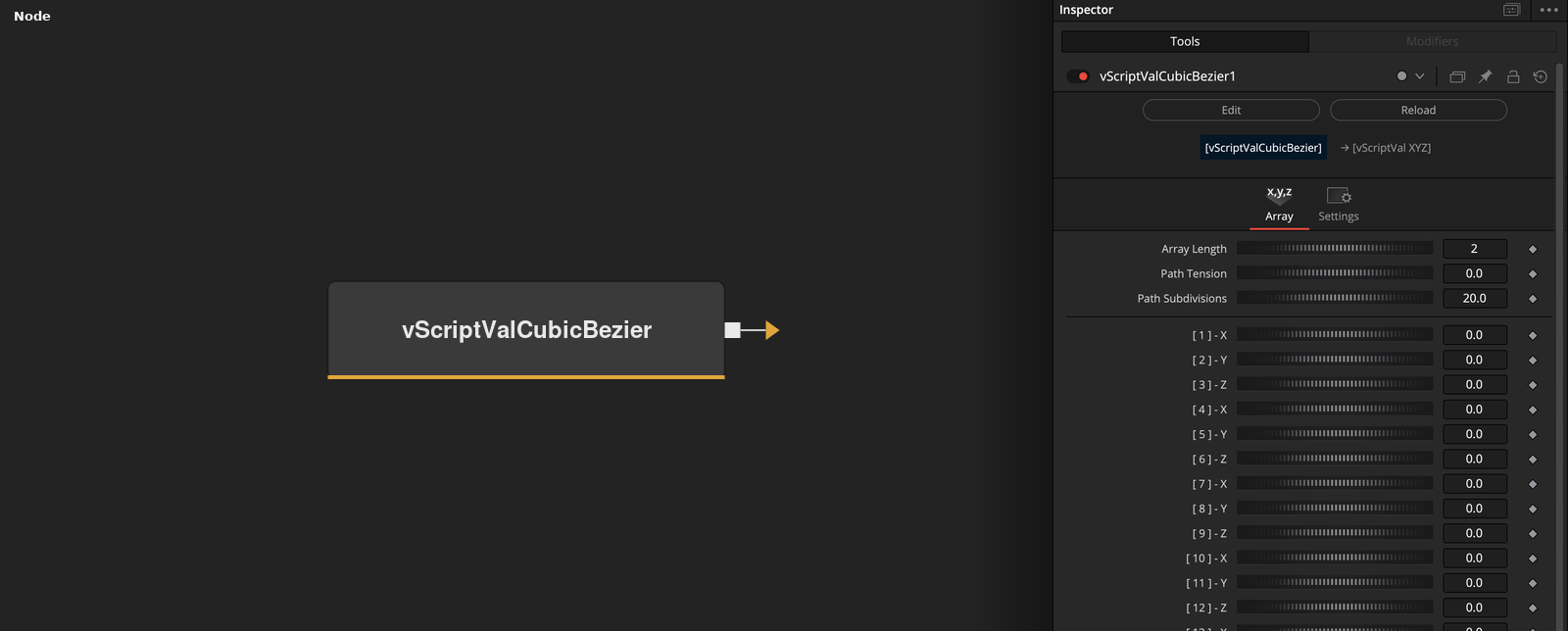
vScriptValCubicBezier has no input and outputs an array of points on a curve built from up to eight control points typed into its value controls. Path Tension and Path Subdivisions shape the curve.
Parameters
| Parameter | Type | Default | Description |
|---|---|---|---|
| Array Length | Integer | 2 | Number of value controls that are read. Range 2 to 24, default 2. Rounded down to a multiple of 3, so use 3 or more. |
| Pack To: | Dropdown | X Y Z | Hidden control. Chooses X Y or X Y Z control points. Default X Y Z. |
| Path Tension | Float | 0 | Length of the handles on each segment. 0 gives straight segments. Default 0. |
| Path Subdivisions | Float | 20 | Number of steps in each curve segment, which gives this value plus one points per segment. Minimum 1, default 20. |
| Curve Mode: | Dropdown | Bezier | Hidden control. Bezier uses the tension handles, BSpline uses averaged handles. Default Bezier. |
+2 more parameters
| Parameter | Type | Default | Description |
|---|---|---|---|
| Reverse Array | Integer | 0.0 | Reverses the order of the control points. Default off. |
| Show Input | Integer | 1.0 | Shows or hides a connection point on the Array Length control. Default on. |
Read the full description
The node reads Array Length values from the controls [ 1 ] to [ 24 ] and groups them into control points of three values (X, Y, Z). Array Length is rounded down to a multiple of 3, so the default of 2 gives no points and at least 3 is needed. The Pack To control is hidden and set to X Y Z. Reverse Array reverses the order of the control points.
With two control points the output is a straight line with Path Subdivisions + 1 points. With three or more, the curve is built from segments that run from control point 2 to control point 3, then 3 to 4 and so on up to the last one. The first control point is not on the curve, and only affects the direction at control point 2. Each segment is a cubic Bezier curve with Path Subdivisions + 1 points, so the shared points between segments appear twice.
In the default Bezier mode the two inner handles of the segment between points P(i) and P(i+1) are P(i) - (P(i+1) - P(i-1)) * Tension / 3 and P(i+1) + (P(i+2) - P(i)) * Tension / 3. With the default Path Tension of 0 both handles sit on the end points, so the curve is made of straight lines. The hidden Curve Mode control can switch to BSpline, which builds the handles from weighted averages of the neighboring points instead.
The 24 value controls are built in a loop and are not listed in the parameter table. Show Input is on by default and shows a connection point on the Array Length control.
Example Connections
- Draw the curve
- Offset the curve before drawing
vScriptValCubicBezier.Output -> vScriptValCameraProjection.ArrayA
vScriptValCameraProjection.Output -> vScriptValShapeRender.ArrayPoint
Background.Output -> vScriptValShapeRender.Input
vScriptValCubicBezier.Output -> vScriptValTranslate.ArrayA
vScriptValTranslate.Output -> vScriptValCameraProjection.ArrayA