vJSONSnapMeshVertex
Moves each point to the closest mesh vertex, patch point or sample, by a Blend amount.
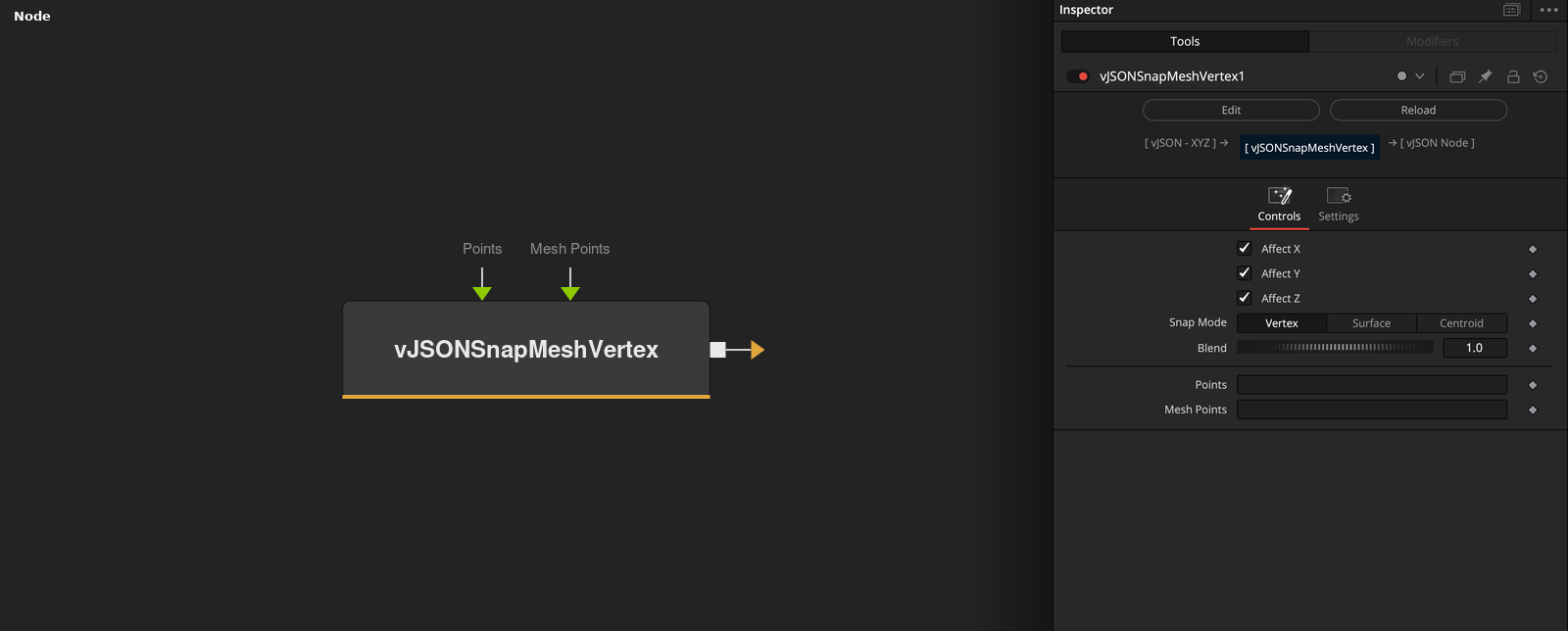
vJSONSnapMeshVertex takes an array of XYZ points and a mesh, and moves each point toward the closest Mesh Points vertex. Snap Mode can switch the target to the patch points.
Parameters
| Parameter | Type | Default | Description |
|---|---|---|---|
| Affect X | Float | 1 | X moves when checked (default), otherwise it keeps the input value. |
| Affect Y | Float | 1 | Y moves when checked (default), otherwise it keeps the input value. |
| Affect Z | Float | 1 | Z moves when checked (default), otherwise it keeps the input value. |
| Snap Mode | Dropdown | Vertex | Vertex (default), Surface or Centroid. Vertex and Surface give the same result. |
| Blend | Float | 1 | Mix between the point (0) and the target (1). Range 0 to 1, default 1. |
+2 more parameters
| Parameter | Type | Default | Description |
|---|---|---|---|
| Points | DATATYPE | — | Point positions. |
| Mesh Points | DATATYPE | — | Mesh vertices that the points snap to. |
Read the full description
Vertex (the default) and Surface both find the closest Mesh Points vertex. Centroid finds the closest patch point, the average of a vertex and its 7 nearest neighbors. The output is the point plus (target - point) * Blend, so Blend 1 (the default) puts the point on the target.
Blend runs from 0 to 1, and the output has 3 values per point. Affect X, Y and Z keep unchecked axes at the input value. Only the vertex list of Mesh Points is used, not edges or faces. If the points or the mesh are empty, the output is empty.
Example Connections
- Snap a grid to a loaded mesh and draw
- Snap scattered points
vJSONPointsOnGrid.Output -> vJSONSnapMeshVertex.ArrayPoints
vJSONFromOBJ.Points -> vJSONSnapMeshVertex.MeshPoints
vJSONSnapMeshVertex.Output -> vJSONCameraProjection.ArrayA
vJSONCameraProjection.Output -> vJSONShapeRender.ArrayPoint
Background.Output -> vJSONShapeRender.Input
vJSONRandom.Output -> vJSONSnapMeshVertex.ArrayPoints
vJSONFromOBJ.Points -> vJSONSnapMeshVertex.MeshPoints
vJSONSnapMeshVertex.Output -> vJSONTranslate.Input