vJSONSnapFaceCentroid
Moves each point toward the closest patch point of a mesh, by a Blend amount.
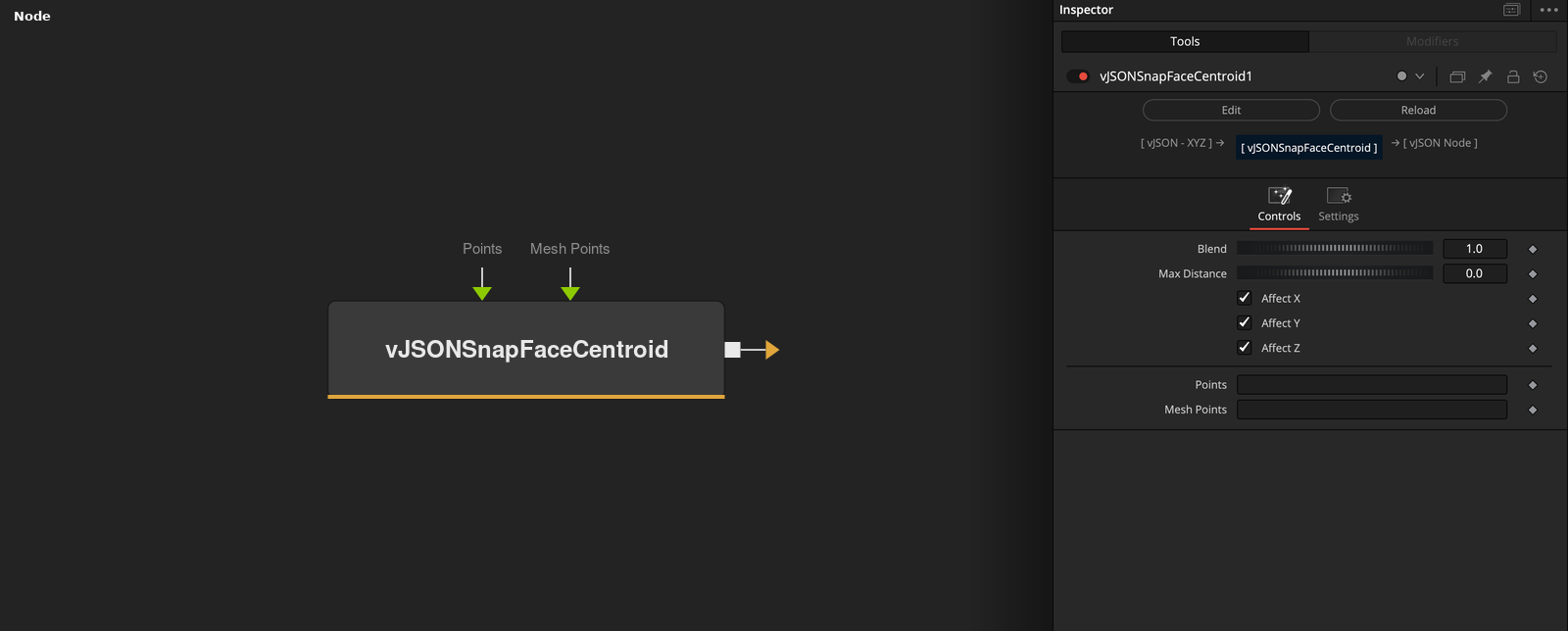
vJSONSnapFaceCentroid takes an array of XYZ points and a mesh. For each point it finds the closest patch point, the average of a mesh vertex and its 7 nearest neighbors, and moves the point toward it.
Parameters
| Parameter | Type | Default | Description |
|---|---|---|---|
| Blend | Float | 1 | Mix between the point (0) and the patch point (1). Slider 0 to 1, default 1. Not limited in the code. |
| Max Distance | Float | 0 | Points farther from the closest patch point than this stay where they are. 0 switches it off. Slider 0 to 2, default 0. |
| Affect X | Float | 1 | X moves when checked (default), otherwise it keeps the input value. |
| Affect Y | Float | 1 | Y moves when checked (default), otherwise it keeps the input value. |
| Affect Z | Float | 1 | Z moves when checked (default), otherwise it keeps the input value. |
+2 more parameters
| Parameter | Type | Default | Description |
|---|---|---|---|
| Points | DATATYPE | — | Point positions. |
| Mesh Points | DATATYPE | — | Points of the mesh that the input is compared with. |
Read the full description
For each point the node finds the closest of the patch points, one per mesh vertex. If Max Distance is above 0 and the point is farther away than that, it stays where it is. Otherwise the output is the point plus (patch point - point) * Blend. Blend defaults to 1, which puts the point on the patch point.
Affect X, Y and Z keep unchecked axes at the input value. Only the vertex list of Mesh Points is used, not faces. Blend is not limited in the code, so values outside 0 to 1 extrapolate. If the points or the mesh are empty, the output is empty.
Example Connections
- Snap a grid to a loaded mesh and draw
- Snap scattered points
vJSONPointsOnGrid.Output -> vJSONSnapFaceCentroid.ArrayPoints
vJSONFromOBJ.Points -> vJSONSnapFaceCentroid.MeshPoints
vJSONSnapFaceCentroid.Output -> vJSONCameraProjection.ArrayA
vJSONCameraProjection.Output -> vJSONShapeRender.ArrayPoint
Background.Output -> vJSONShapeRender.Input
vJSONRandom.Output -> vJSONSnapFaceCentroid.ArrayPoints
vJSONFromOBJ.Points -> vJSONSnapFaceCentroid.MeshPoints
vJSONSnapFaceCentroid.Output -> vJSONTranslate.Input