vJSONMirror
Mirrors points across a plane on the X, Y or Z axis, optionally keeping the originals.
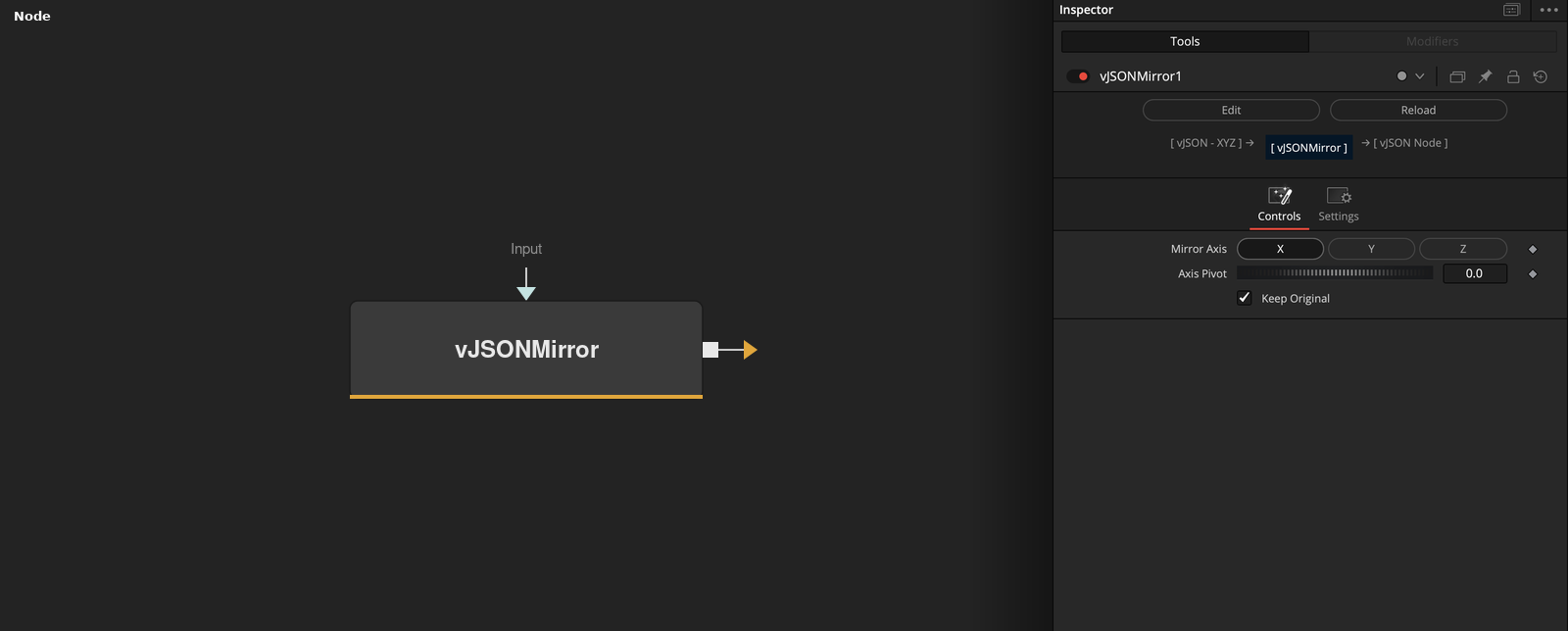
vJSONMirror takes an array of XYZ points and mirrors them across a plane at a pivot position on one axis. Keep Original adds the mirrored points after the originals.
Parameters
| Parameter | Type | Default | Description |
|---|---|---|---|
| Mirror Axis | Dropdown | X | X (default), Y or Z. The axis across which the points are mirrored. |
| Axis Pivot | Float | 0 | Position of the mirror plane on the chosen axis. Default 0. |
| Keep Original | Integer | 1 | Outputs the original points followed by the mirrored points when on (default). |
| Input | DATATYPE | — | Data to process. |
Read the full description
Mirror Axis selects X, Y or Z, and Axis Pivot (default 0) is the position of the mirror plane on that axis. The chosen coordinate of every point becomes 2 * pivot - value, and the other two coordinates stay the same. With a pivot of 0, X = 3 becomes X = -3.
With Keep Original on (the default), the output holds the original points first and then the mirrored points, so it is twice as long as the input. With it off, only the mirrored points are output. The mirrored points hold X, Y and Z only. Input that does not start with a list is passed through unchanged.
Example Connections
- Mirror a half circle and draw
- Mirror displaced points
vJSONPointsOnArc.Output -> vJSONMirror.Input
vJSONMirror.Output -> vJSONCameraProjection.ArrayA
vJSONCameraProjection.Output -> vJSONShapeRender.ArrayPoint
Background.Output -> vJSONShapeRender.Input
vJSONPointsOnGrid.Output -> vJSONDisplaceValues.ArrayA
vJSONDisplaceValues.Output -> vJSONMirror.Input
vJSONMirror.Output -> vJSONTranslate.Input