vJSONInterpolate
Blends two arrays value by value with a Progress amount and an easing curve.
IntermediateMograph / JSONJSONArrayScriptVal
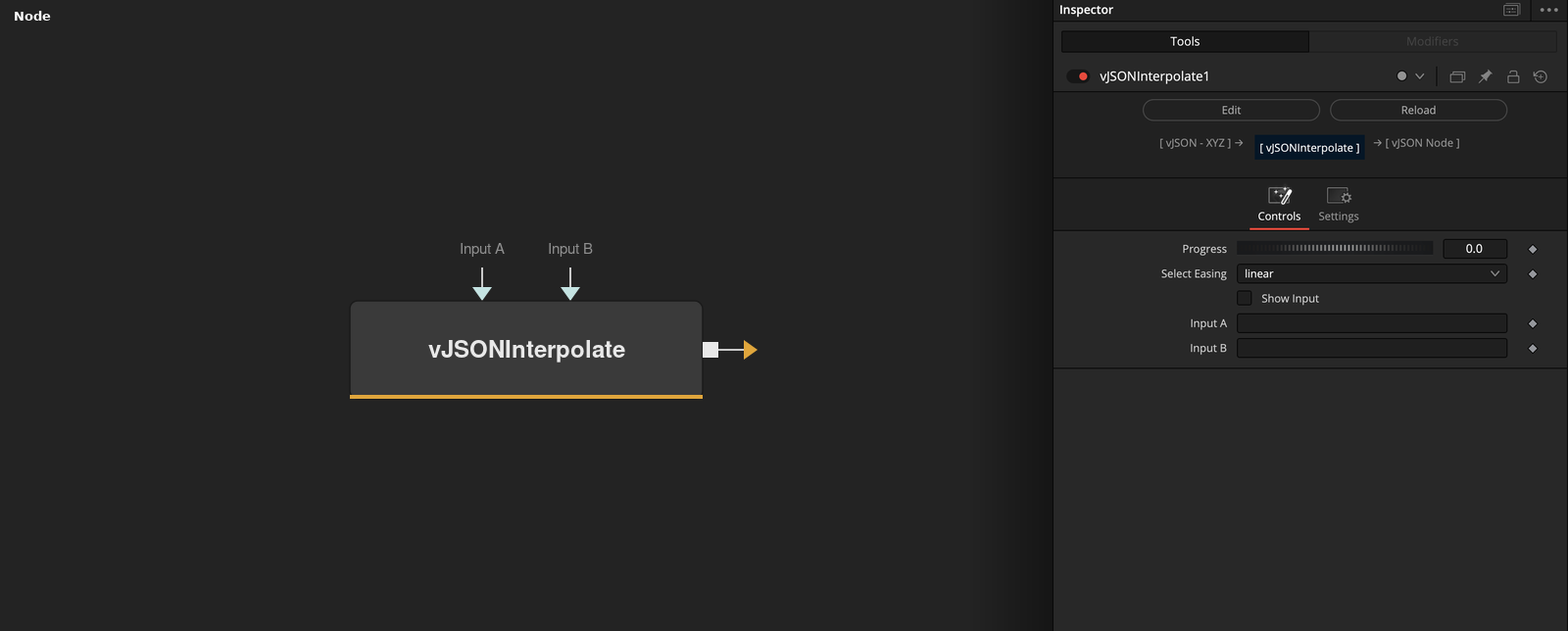
vJSONInterpolate takes Input A and Input B and outputs values between them. Progress 0 gives A, 1 gives B, and Select Easing shapes the curve in between.
Parameters
| Parameter | Type | Default | Description |
|---|---|---|---|
| Progress | Float | 0 | Blend position from 0 (Input A) to 1 (Input B). Range 0 to 1, default 0. |
| Select Easing | Dropdown | linear | linear (default), easeInQuad, easeOutQuad, easeInOutQuad, easeInExpo, easeOutExpo or easeInOutExpo. |
| Show Input | Integer | 0.0 | Shows a Progress input port on the node when on. Default off. |
| Input A | DATATYPE | — | Values at Progress 0. |
| Input B | DATATYPE | — | Values at Progress 1. |
Read the full description
Each value is A + (B - A) * ease(Progress). Lists inside the arrays are blended value by value, so XYZ points work. If the arrays differ in length, both are cut to the shorter one. Progress is limited to 0 to 1 and defaults to 0, which outputs Input A.
Select Easing chooses linear, easeInQuad, easeOutQuad, easeInOutQuad, easeInExpo, easeOutExpo or easeInOutExpo. The easing function is applied to Progress before the blend.
Show Input makes a Progress input port available on the node, so the value can be connected.
Example Connections
- Morph a grid into a sphere and draw
- Blend a circle into a rectangle
vJSONPointsOnGrid.Output -> vJSONInterpolate.ArrayA
vJSONPointsOnSphere.Output -> vJSONInterpolate.ArrayB
vJSONInterpolate.Output -> vJSONCameraProjection.ArrayA
vJSONCameraProjection.Output -> vJSONShapeRender.ArrayPoint
Background.Output -> vJSONShapeRender.Input
vJSONPointsOnCircle.Output -> vJSONInterpolate.ArrayA
vJSONPointsOnRectangle.Output -> vJSONInterpolate.ArrayB
vJSONInterpolate.Output -> vJSONTranslate.Input