vJSONMap
Rescales the values of an array with min-max, z-score or norm methods.
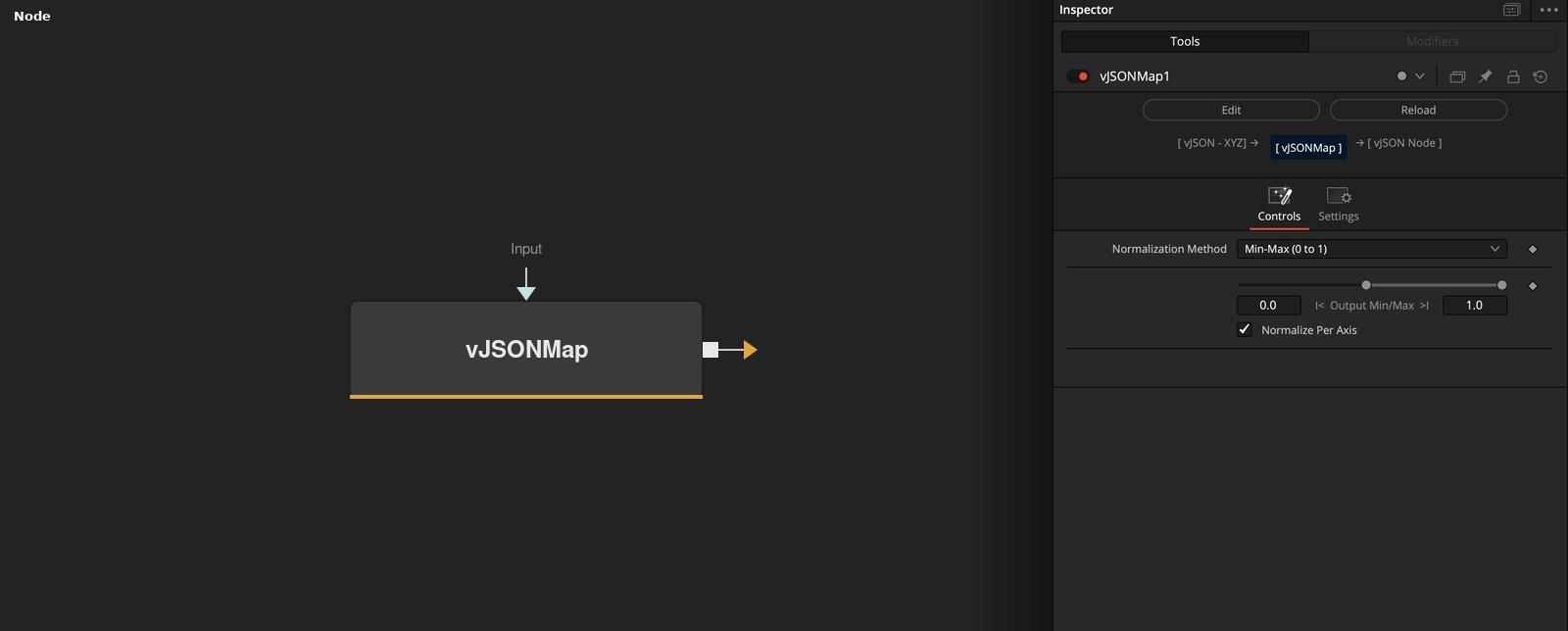
vJSONMap takes an array of numbers or points and rescales its values with the chosen normalization method. Per Axis decides whether X, Y and Z are scaled separately or together.
Parameters
| Parameter | Type | Default | Description |
|---|---|---|---|
| Normalization Method | Dropdown | Min-Max (0 to 1) | Min-Max (0 to 1) (default), Min-Max (Custom Range), Z-Score (Standardize), Unit Vector (L2 Norm), L1 Norm (Sum to 1) or Max Abs (Scale by Max). |
| CustomMin | Float | 0 | Output minimum for Min-Max (Custom Range). Minimum -1, default 0. |
| CustomMax | Float | 1 | Output maximum for Min-Max (Custom Range). Minimum -1, default 1. |
| Normalize Per Axis | Integer | 1.0 | Rescales X, Y and Z separately when on (default), or all values together when off. |
| Input | DATATYPE | — | Numbers or points to rescale. |
Read the full description
Normalization Method chooses how the values are rescaled. Min-Max (0 to 1) maps the smallest value to 0 and the largest to 1, and Min-Max (Custom Range) maps them to Custom Min and Max. Z-Score subtracts the mean and divides by the standard deviation. Unit Vector divides by the square root of the sum of squares, L1 Norm by the sum of absolute values, and Max Abs by the largest absolute value.
With Per Axis on (the default), each of X, Y and Z is rescaled using its own statistics. With it off, all values of all axes are pooled. A flat list of numbers is rescaled as one set. A zero divisor is replaced by a very small number. A label under the controls shows the statistics.
An empty or invalid input raises an error.
Example Connections
- Normalize a point cloud and draw it
- Normalize noise values
vJSONFromOBJ.Points -> vJSONMap.Input
vJSONMap.Output -> vJSONCameraProjection.ArrayA
vJSONCameraProjection.Output -> vJSONShapeRender.ArrayPoint
Background.Output -> vJSONShapeRender.Input
vJSONNoise.Output -> vJSONMap.Input
vJSONMap.Output -> vJSONClamp.Input