vJSONFromXYZ
Read an ASCII XYZ point cloud from a file, a URL or pasted text and output it as an array of points.
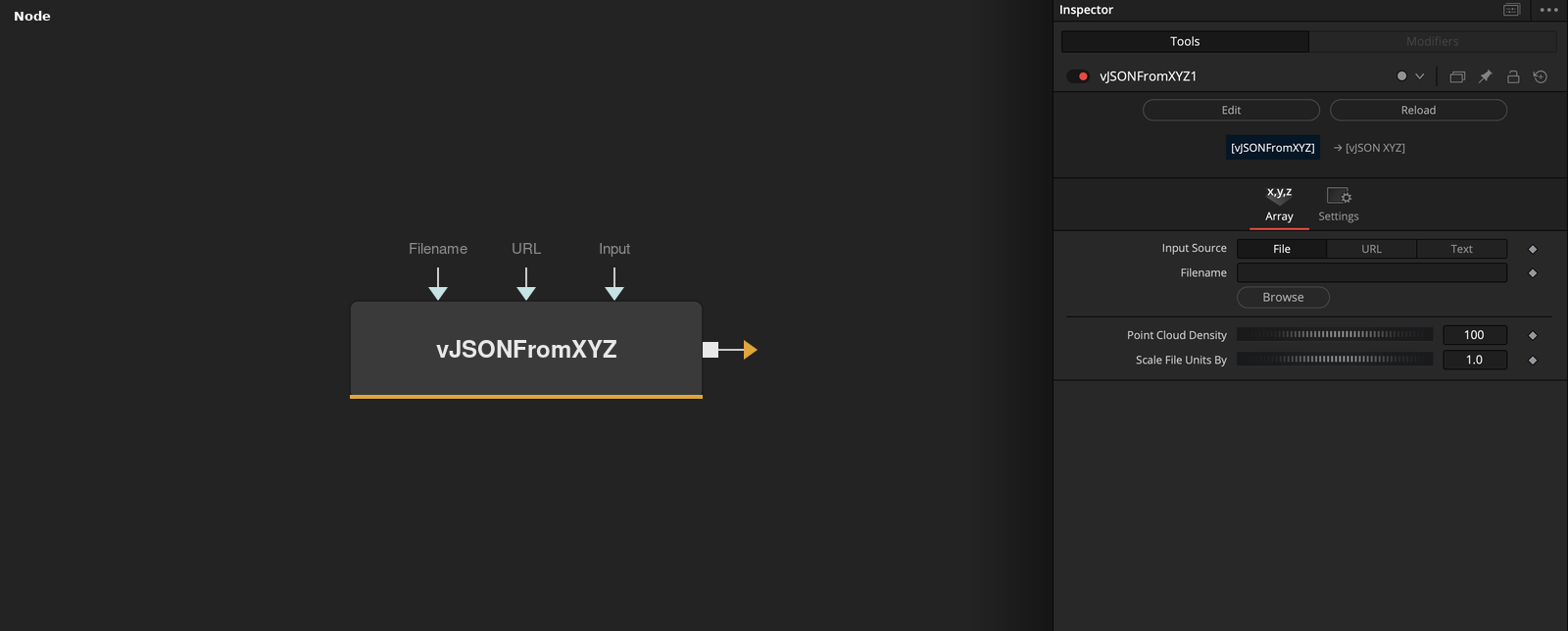
vJSONFromXYZ has no input socket and outputs an array of XYZ points read from text with one point per line. Input Source picks a file, a URL or text typed into the node, and Point Cloud Density and Scale File Units By adjust the result.
Parameters
| Parameter | Type | Default | Description |
|---|---|---|---|
| Input Source | Dropdown | File | Where the XYZ text comes from, File, URL or Text. Default File. |
| Filename | Text | — | Path of the XYZ file. Shown when Input Source is File. |
| URL | Text | — | Address of a text file with XYZ lines. Shown when Input Source is URL. |
| Input | Text | — | XYZ text typed or pasted into the node. Shown when Input Source is Text. |
| Point Cloud Density | Integer | 100 | Share of lines kept after the first 100, as the number of lines kept in each block of 100. Range 1 to 100, default 100. |
+1 more parameters
| Parameter | Type | Default | Description |
|---|---|---|---|
| Scale File Units By | Float | 1 | Multiplier applied to X, Y and Z of every point. Default 1. |
Read the full description
The node reads the source line by line. From each line it takes three whitespace-separated values as X, Y and Z, multiplies them by Scale File Units By and adds the point to the output. Filename goes through Fusion path mapping before it is opened. URL is downloaded as text. Input is used as it is.
Point Cloud Density thins the cloud in blocks of 100 lines. The first 100 lines are always kept. After that, the node keeps the last Density lines of every block of 100. With the default of 100 every line is kept, and with 50 about half of the lines after the first 100 are kept.
Only the control for the selected source is shown. The code does not skip a line that has fewer than three values, so every line of the source needs to hold an X, a Y and a Z. Extra columns after the third are ignored.
The output socket is named Points. It holds only point positions, with no colors or normals.
Example Connections
- Draw the point cloud
- Offset the point cloud before drawing
vJSONFromXYZ.Points -> vJSONCameraProjection.ArrayA
vJSONCameraProjection.Output -> vJSONShapeRender.ArrayPoint
Background.Output -> vJSONShapeRender.Input
vJSONFromXYZ.Points -> vJSONTranslate.ArrayA
vJSONTranslate.Output -> vJSONCameraProjection.ArrayA