vArrayHelix
Generate points along a helix with a set radius, pitch, number of turns and start angle.
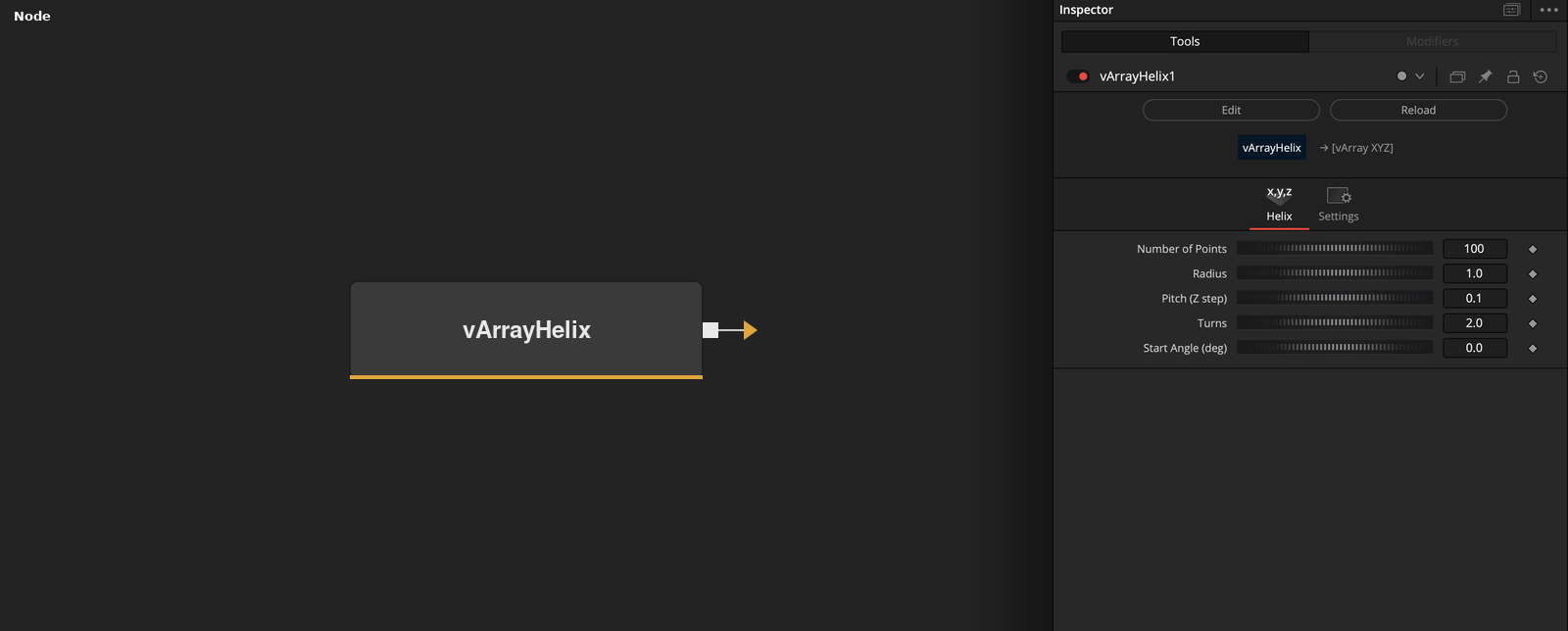
vArrayHelix has no input and outputs an array of XYZ points on a helix around the Z axis. Points count, radius, pitch and turns set the shape.
Parameters
| Parameter | Type | Default | Description |
|---|---|---|---|
| Number of Points | Integer | 100 | Number of points on the helix. Minimum 2, default 100. |
| Radius | Float | 1 | Distance of the points from the Z axis. Default 1. |
| Pitch (Z step) | Float | 0.1 | Z distance covered by one full turn. Default 0.1. |
| Turns | Float | 2 | Number of full turns. Minimum 0.01, default 2. |
| Start Angle (deg) | Float | 0 | Angle of the first point, in degrees. Default 0. |
Read the full description
The node spaces Number of Points points evenly along the helix. For point i of n, the parameter t is i / (n - 1). The angle is the start angle plus t * turns * 360 degrees, X is radius * cos(angle), Y is radius * sin(angle) and Z is t * turns * pitch.
With the defaults (100 points, radius 1, pitch 0.1, 2 turns, start angle 0) the node outputs a flat-looking coil that rises 0.2 units along Z in total. Pitch is the Z distance covered by one full turn, so the total height is pitch * turns.
Number of Points is limited to 2 or more and Turns to 0.01 or more. Points are spread over the whole curve, so raising Turns without raising Number of Points makes the spacing between points larger and the coil coarser.
The output is a point array. Connect it to vArrayCameraProjection to project it into 2D, then to vArrayShapeRender to draw it, or feed it to the Modify nodes first.
Example Connections
- Draw the helix
- Offset the helix before drawing
vArrayHelix.Output -> vArrayCameraProjection.ArrayA
vArrayCameraProjection.Output -> vArrayShapeRender.ArrayPoint
Background.Output -> vArrayShapeRender.Input
vArrayHelix.Output -> vArrayTranslate.ArrayA
vArrayTranslate.Output -> vArrayCameraProjection.ArrayA