vArrayCylinder
Generate points on the side and cap rims of a cylinder along the Z axis.
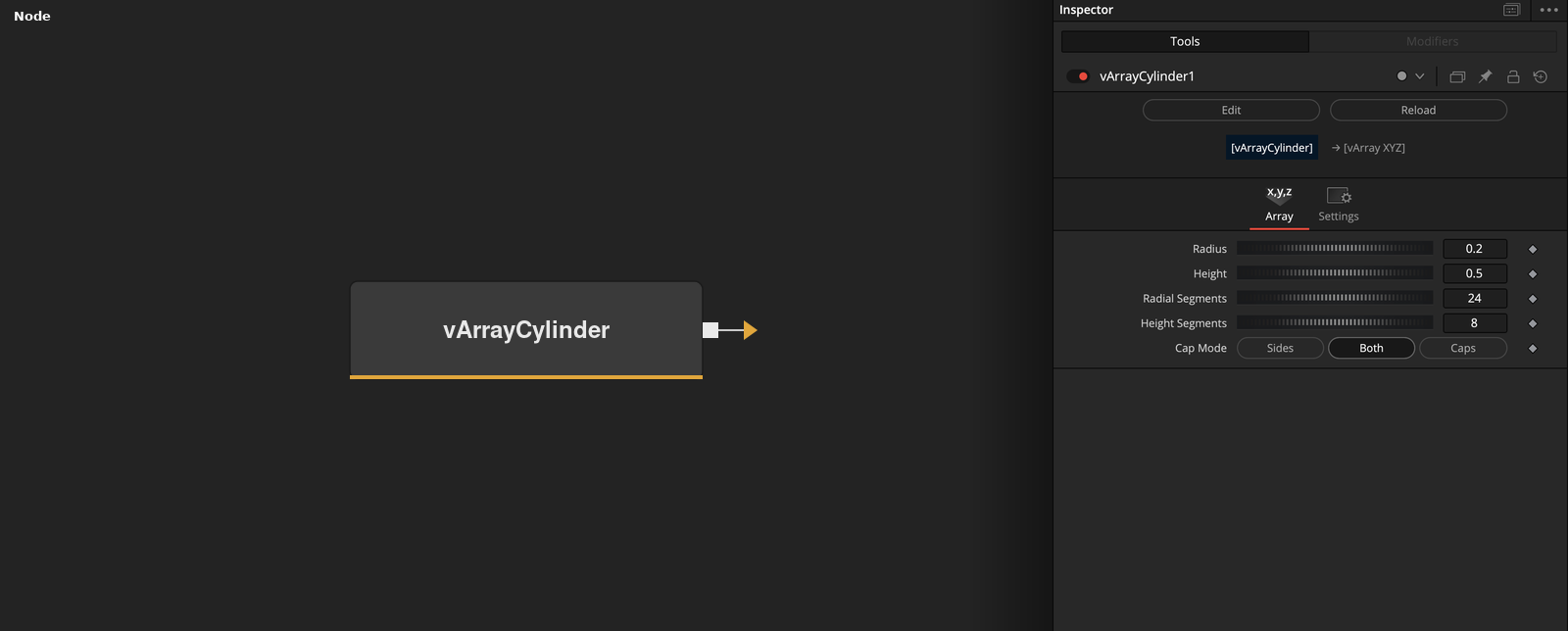
vArrayCylinder has no input and outputs an array of XYZ points on a cylinder centered on the origin with its axis along Z. Cap Mode chooses the sides, the caps, or both.
Parameters
| Parameter | Type | Default | Description |
|---|---|---|---|
| Radius | Float | 0.2 | Radius of the cylinder. Minimum 0.001, default 0.2. |
| Height | Float | 0.5 | Length of the cylinder along Z. Minimum 0.001, default 0.5. |
| Radial Segments | Integer | 24 | Number of points around the axis in each ring. Clamped to 3 or more, default 24. |
| Height Segments | Integer | 8 | Number of steps along the height, which gives this value plus one rings. Clamped to 1 or more, default 8. Not used in Caps mode. |
| Cap Mode | Dropdown | Both | Sides writes the side rings only, Caps writes the two centers and the rim points only, Both writes both. Default Both. |
Read the full description
The side points form Height Segments + 1 rings of Radial Segments points each, stepping from Z = -Height / 2 to Z = +Height / 2. Each point is at X = Radius * cos a and Y = Radius * sin a, where a starts at 0 and advances by 360 / Radial Segments degrees.
The cap points are two center points, first (0, 0, Height / 2) and then (0, 0, -Height / 2), followed by a top and a bottom point for each radial position. Caps are rims and centers only, with no interior rings.
Cap Mode selects Sides, Both or Caps. Both is the default. In Both mode the rim points of the caps sit at the same positions as the first and last side rings, so those points appear twice. In Caps mode Height Segments has no effect. With the defaults (Radius 0.2, Height 0.5, 24 radial segments, 8 height segments, Both) the node outputs 216 side points and 50 cap points, 266 in total.
Radial Segments is clamped to 3 or more and Height Segments to 1 or more. The output contains points only, with no edges or faces.
Example Connections
- Draw the cylinder
- Offset the cylinder before drawing
vArrayCylinder.Output -> vArrayCameraProjection.ArrayA
vArrayCameraProjection.Output -> vArrayShapeRender.ArrayPoint
Background.Output -> vArrayShapeRender.Input
vArrayCylinder.Output -> vArrayTranslate.ArrayA
vArrayTranslate.Output -> vArrayCameraProjection.ArrayA