vArrayPointsJitter
Moves each point by a seeded random offset plus a small time-based wobble.
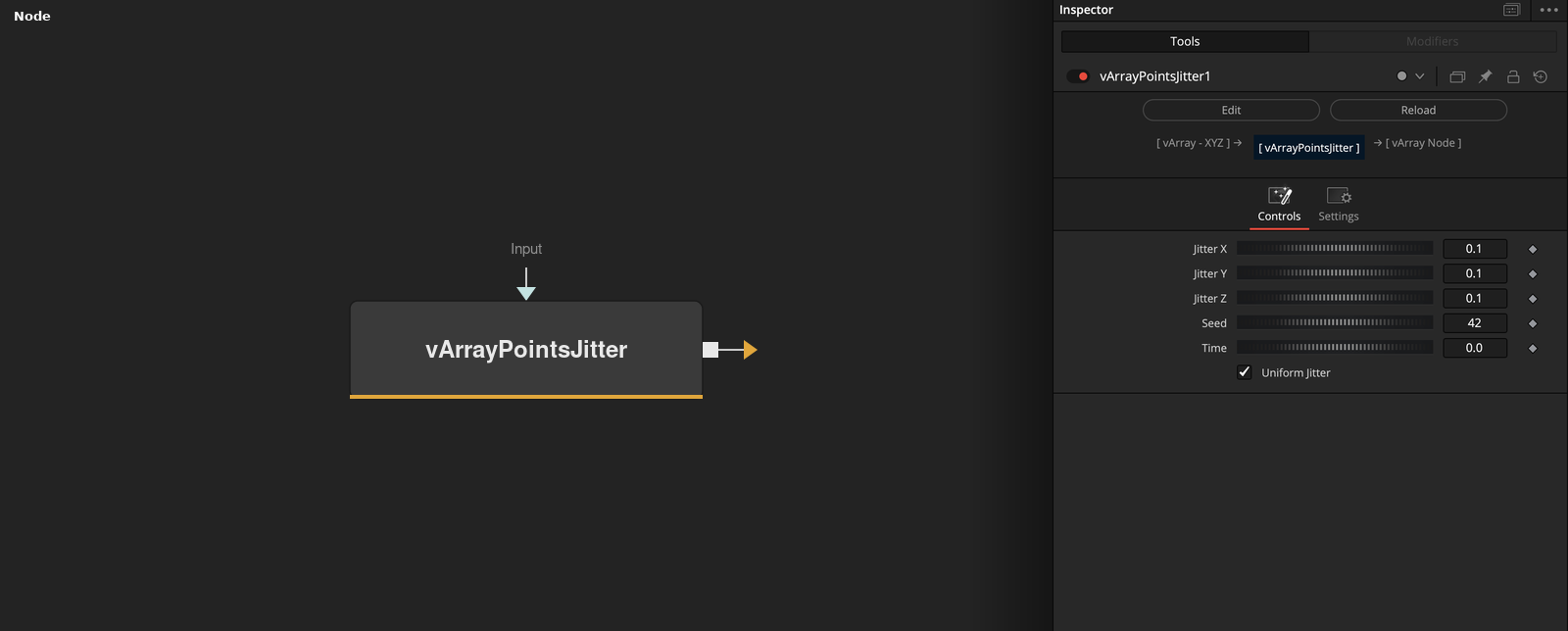
vArrayPointsJitter takes an array of XYZ points and offsets each one on X, Y and Z. Jitter X, Y and Z set the size of the offset, and the same Seed always gives the same result.
Parameters
| Parameter | Type | Default | Description |
|---|---|---|---|
| Input | Text | — | Data to process. |
| Jitter X | Float | 0.1 | Size of the random offset on X. Slider 0 to 1, allowed 0 to 10, default 0.1. Also sets the X wobble amplitude, which is half this value. |
| Jitter Y | Float | 0.1 | Size of the random offset on Y. Slider 0 to 1, allowed 0 to 10, default 0.1. Also sets the Y wobble amplitude, which is half this value. |
| Jitter Z | Float | 0.1 | Size of the random offset on Z. Slider 0 to 1, allowed 0 to 10, default 0.1. Also sets the Z wobble amplitude, which is half this value. |
| Seed | Integer | 42 | Integer from 0 to 10000, default 42. Each point is reseeded from it and its index. |
+2 more parameters
| Parameter | Type | Default | Description |
|---|---|---|---|
| Time | Float | 0 | Multiplier for the render time used as wobble phase. At 0 the wobble is a fixed offset per point. Minimum 0, default 0. |
| Uniform Jitter | Integer | 1.0 | On (default): even spread from minus to plus Jitter. Off: bell-curve spread with Jitter as the spread. |
Read the full description
Each point gets a random offset on each axis. With Uniform Jitter on, the offset is drawn from minus Jitter to plus Jitter. With it off, it follows a bell curve with Jitter as the spread, so it has no fixed maximum. The generator is reseeded for every point from Seed and the point index, so a point keeps its offset when the point count changes.
A wobble is added on top: X and Z use sin(t + i) * Jitter * 0.5 and Y uses cos(t + i) * Jitter * 0.5, where i is the point number from 1 and t is the render time times Time. At Time 0 the wobble does not vanish. It stays as a fixed offset per point.
Defaults are Jitter 0.1 on each axis and Seed 42. An empty input gives an empty output.
Example Connections
- Jitter a grid and draw it
- Jitter a circle, then move it
vArrayPointsOnGrid.Output -> vArrayPointsJitter.Input
vArrayPointsJitter.Output -> vArrayCameraProjection.ArrayA
vArrayCameraProjection.Output -> vArrayShapeRender.ArrayPoint
Background.Output -> vArrayShapeRender.Input
vArrayPointsOnCircle.Output -> vArrayPointsJitter.Input
vArrayPointsJitter.Output -> vArrayTranslate.Input