vTextViewer
Displays the Fusion Text object contents in the Inspector The vTextViewer node is a handy way to view multi-line text based data type content using the Inspector. The "Display Lines" control is used to adjust how many visible lines of text are shown in the preview area at once. This number can be lowered if you want to have the vTextViewer node shortened to reduce the amount of vertical screen space used in the Inspector. The "Wrap Lines" checkbox makes it possible to enable/disable line wrapping in the text preview area.
Core / TextText
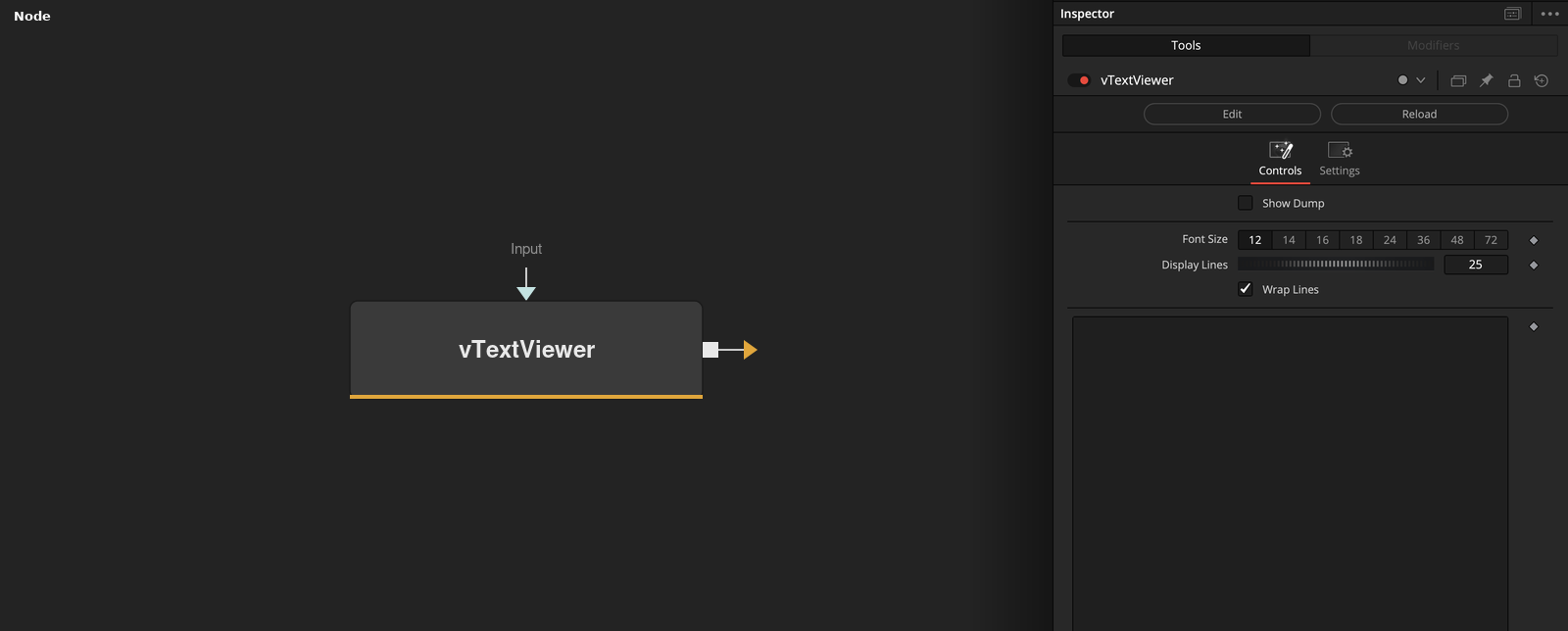
Parameters
| Parameter | Type | Default | Description |
|---|---|---|---|
| Input | Text | — | The text value to display, read-only, in the Inspector. |
| Show Dump | Integer | 0.0 | Prints diagnostic output to the Console window. |
| Font Size | Dropdown | 18 | Text size used in the preview area. |
| Display Lines | Integer | 25 | Number of lines shown in the preview area at once. |
| Wrap Lines | Integer | 1.0 | Wraps long lines in the preview area instead of scrolling horizontally. |