vTextSubFormatMultiline
Formats a multi-line template string with input values Each input connection on the vTextSubFormat node can be placed exactly where it is needed using a token approach. A token value is entered using curly braces that surround an integer number like "\{1\}" or "\{2\}" that represent an input connection number on the node.
Core / TextText
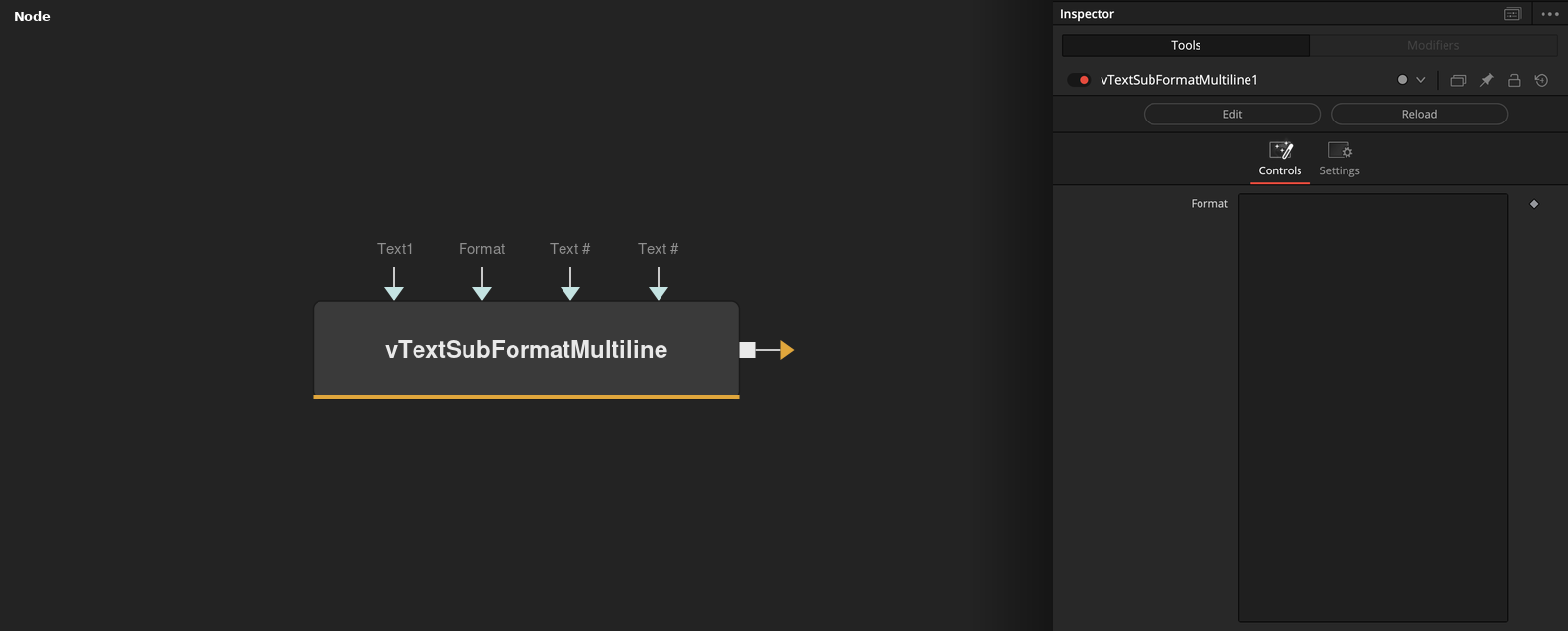
Parameters
| Parameter | Type | Default | Description |
|---|---|---|---|
| Which | Integer | — | Reserved input, referenced by name from inside the node's internal script. |
| Text1 | Text | — | The first token value, inserted wherever {1} appears in Format. |
| Format | Text | — | Multi-line template string containing {1}, {2}, etc. tokens for each connected input. |
| Display Lines | Integer | 25 | Number of lines shown in the Format text box in the Inspector. |
| Wrap Lines | Integer | 1.0 | Wraps long lines in the Format text box instead of scrolling horizontally. |
+2 more parameters
| Parameter | Type | Default | Description |
|---|---|---|---|
| "Text" .. i | Text | — | Additional token value, added automatically as each prior input gets wired — appears in the UI as Text2, Text3, and so on. (The literal "Text" .. i label is a known display quirk in how this dynamically-generated input's name is parsed for these docs, not something visible in Fusion itself.) |
| "Text" .. (inp_nr + 1) | Text | — | The next available token slot, added automatically once the one before it is connected. Same display quirk as above — shows in Fusion as Text3, Text4, etc. |