vTextExecute
Executes code sourced from a Fusion Text object The "Script Language" control is used to define if you want to use Lua or Python code in the text input field. This code is executed asynchronously by the Fusion API function "self.Comp:Execute()". In the code block you can return a value from the executed script to the node graph with the function "OutText()". An example of that would be 'OutText("Hello World")'. The output from the vTextExcute node is a text based filepath that holds any results you might have written to disk using the function "OutText()".
Core / TextText
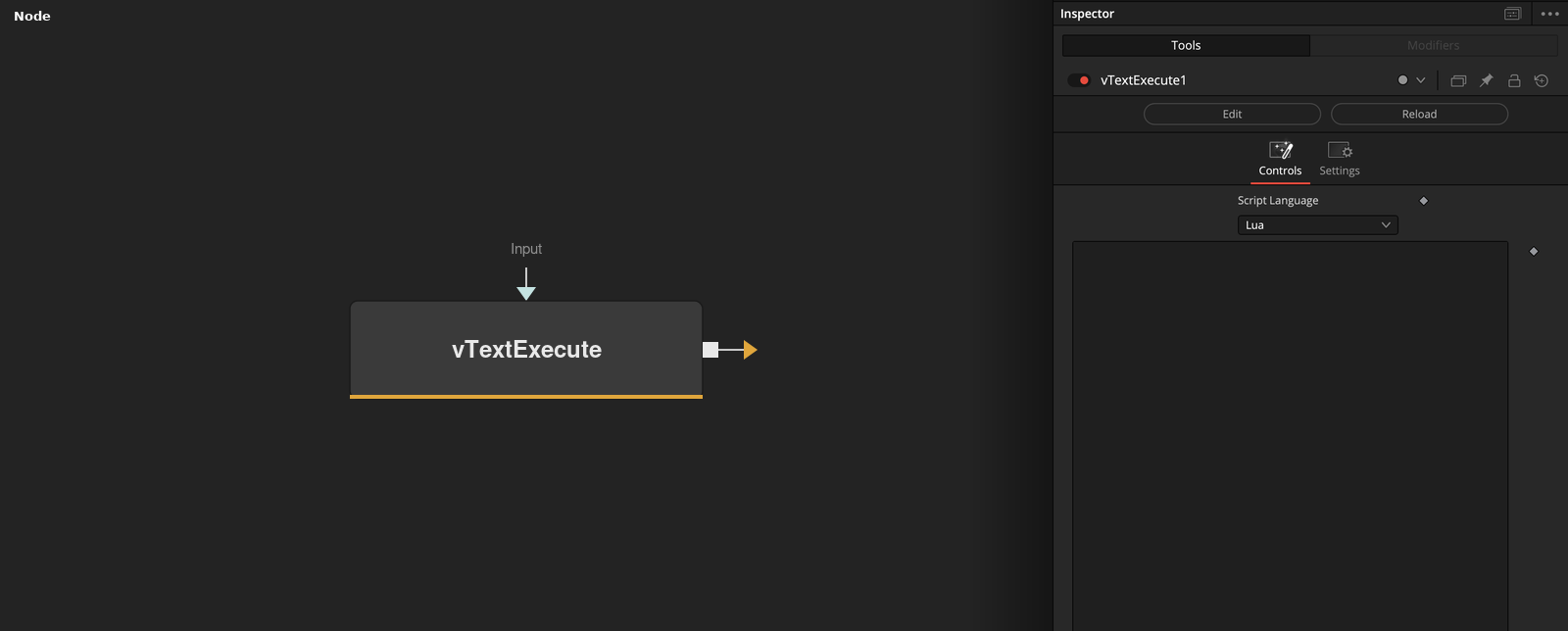
Parameters
| Parameter | Type | Default | Description |
|---|---|---|---|
| Script Language | Dropdown | Lua | Language the Input code is written in — Lua, Python, Python 2, or Python 3. |
| Input | Text | — | The script code to run — call OutText("...") to return a value to the node graph. |
| Display Lines | Integer | 25 | Number of lines shown in the Input text box in the Inspector. |
| Wrap Lines | Integer | 0.0 | Wraps long lines in the Input text box instead of scrolling horizontally. |