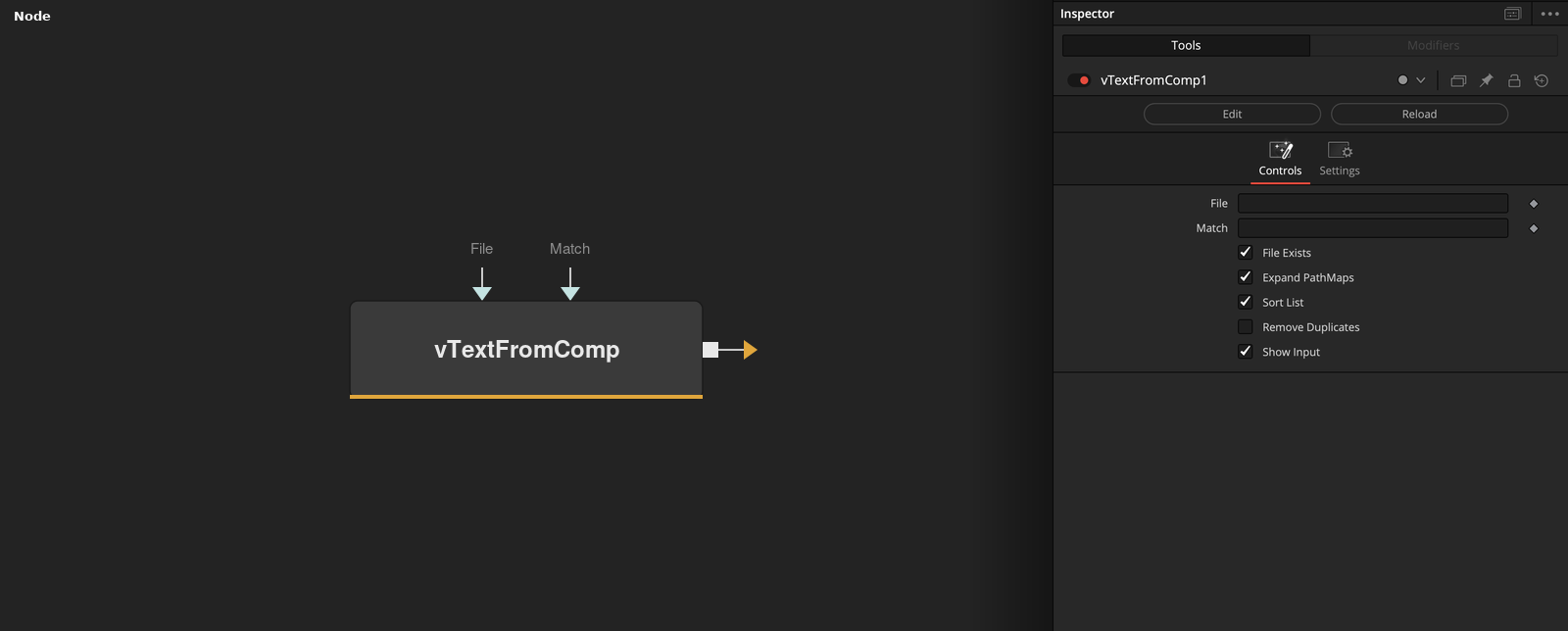
Reads text strings from a Fusion .comp file This node tunnels inside of an external Fusion .comp file on disk and extracts string elements. These text strings are typically filepaths. The "File" text field specifies which .comp file should be parsed. The "Match" text field helps sort the content returned to filter the results. The "File Exists" checkbox lets you further filter the results by looking on disk to see if the text string lines up with an actual file that exists. The "Expand PathMaps" checkbox will automatically convert any relative filepaths into absolute filepaths on the output. The "Sort List" checkbox works on a line-by-line basis to alphabetically sort the results generated by the node. The "Remove Duplicates" checkbox is used to remove any line entry that is a duplicate entry, meaning the content is not unique.
Core / TextText
Parameters
| Parameter | Type | Default | Description |
|---|
| File | Text | — | Path to the .comp file to extract text strings from. |
| Match | Text | — | Filters the extracted strings to those matching this pattern. |
| File Exists | Integer | 1.0 | Only returns strings that resolve to a file that actually exists on disk. |
| Expand PathMaps | Integer | 1.0 | Converts relative PathMap-based filepaths into absolute paths in the output. |
| Sort List | Integer | 1.0 | Alphabetically sorts the returned strings on a line-by-line basis. |
+2 more parameters
| Parameter | Type | Default | Description |
|---|
| Remove Duplicates | Integer | 0.0 | Drops any returned line that duplicates one already in the results. |
| Show Input | Integer | 1.0 | Reveals the wire for the File connection in the Flow view. |