vTextCreateMultiline
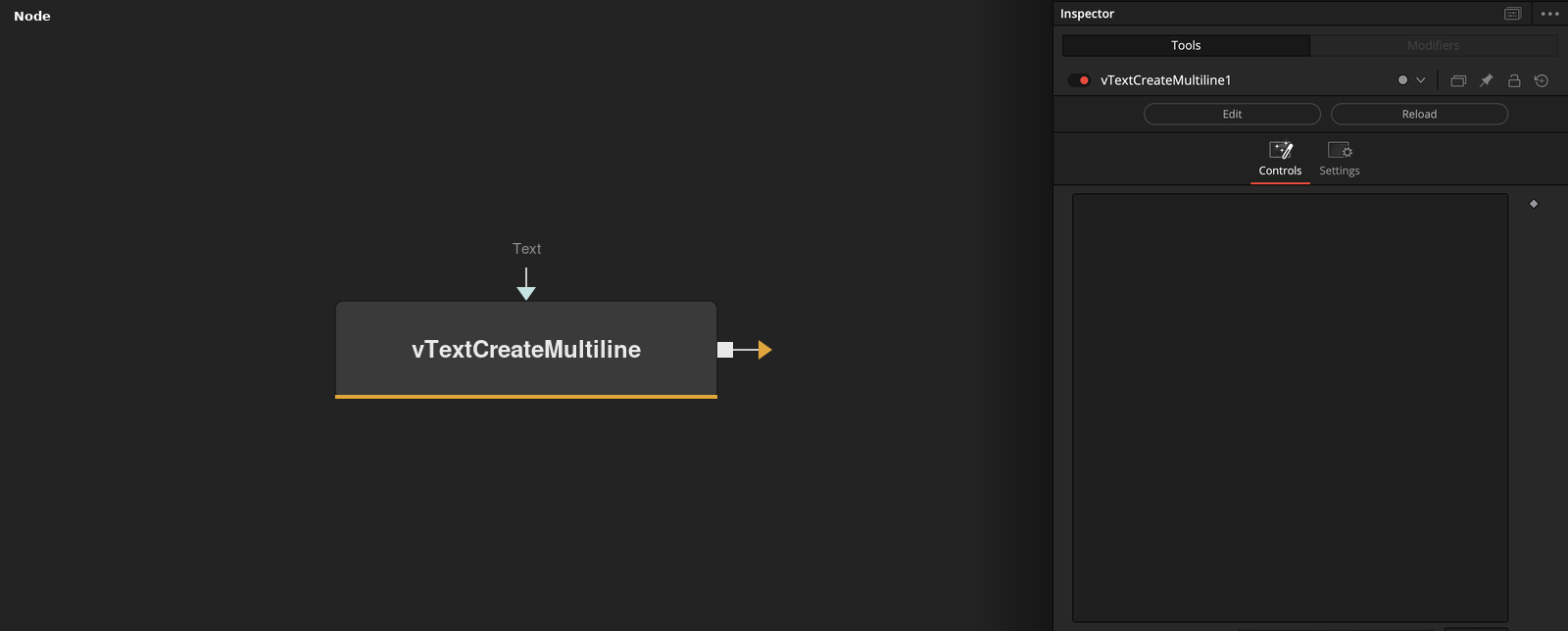
Creates a multi-line Fusion Text object The "Text" field supports entering multi-line text blocks that can include indentation, tabs, newlines, returns and other plain-text formatting variations. If you need to view this multi-line text based content downstream in the comp, try the vTextViewer node. This node is especially useful if you needed to create the original textual contents used for a shell script that you would save to disk using the vTextToFile node, and then run with a vTextProcessOpen node.
Core / TextText
Parameters
| Parameter | Type | Default | Description |
|---|---|---|---|
| Text | Text | — | The multi-line text block to output. |
| Display Lines | Integer | 25 | Number of lines shown in the Text box in the Inspector. |
| Wrap Lines | Integer | 1.0 | Wraps long lines in the Text box instead of scrolling horizontally. |