vImageCreateTiles
Creates an image grid layout from an image sequence This node makes it easy to create tiled "texture atlas" like grid layouts. If you need the imagery to be scaled down to a specific size, attach a resize or scale node to the image stream before you connect it to the vImageCreateTiles node. The "Tiles X" control specifies how many images are stacked horizontally. The "Tiles Y" control specifies how many images are stacked vertically. The "Reverse X Order" and "Reverse Y Order" checkboxes are used to provide control over the image placement ordering when the grid layout is built. This allows you to start frame 1 at either of the 4 corners of the frame border.
Core / ImageImage
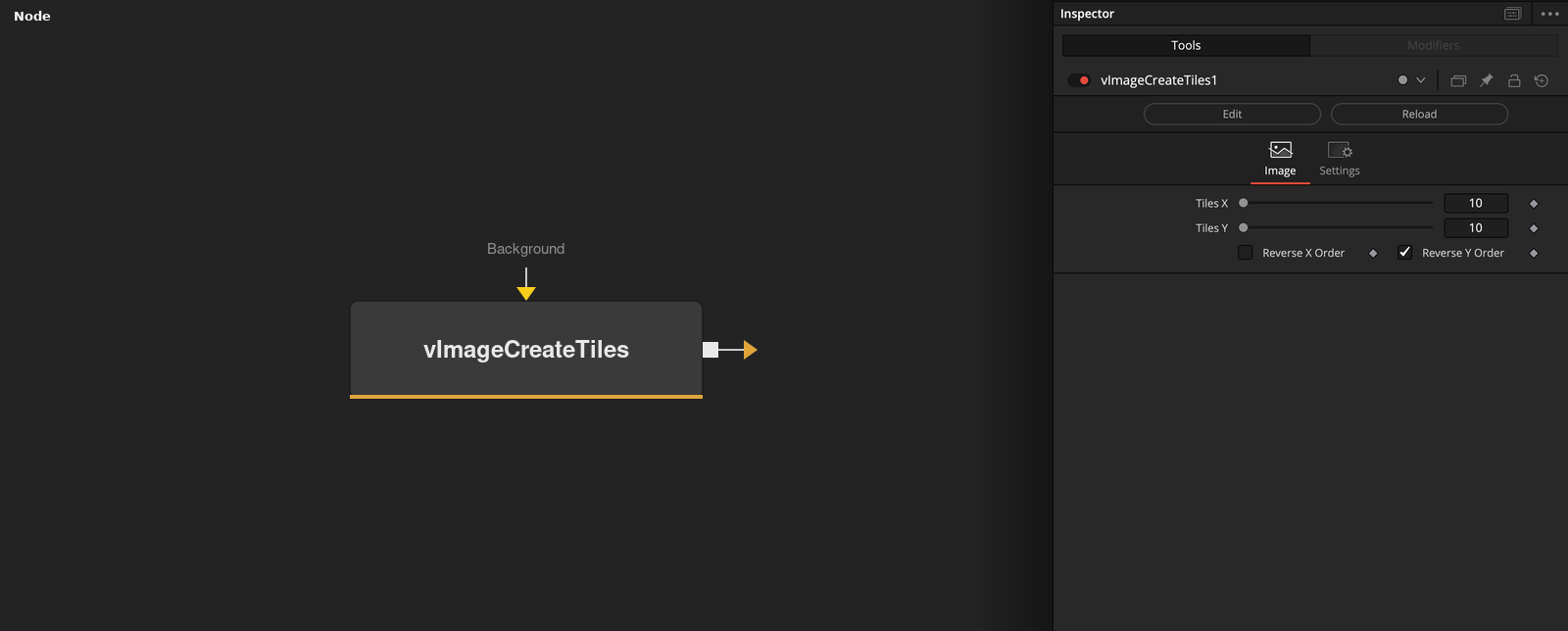
Parameters
| Parameter | Type | Default | Description |
|---|---|---|---|
| Input | Image | — | Image sequence to lay out as a grid — connect a Loader or other sequence-driving node upstream. Resize/scale it first if you need the tiles smaller than source resolution. |
| Tiles X | Integer | 10 | Number of images stacked horizontally. |
| Tiles Y | Integer | 10 | Number of images stacked vertically. |
| Reverse X Order | Integer | 0.0 | Places frame 1 on the right instead of the left. |
| Reverse Y Order | Integer | 1.0 | Places frame 1 at the bottom instead of the top. Combine with Reverse X Order to start from any of the 4 corners. |