vGradientFromPixel
Create a Fusion Gradient object from pixels in an image
Core / GradientGradient
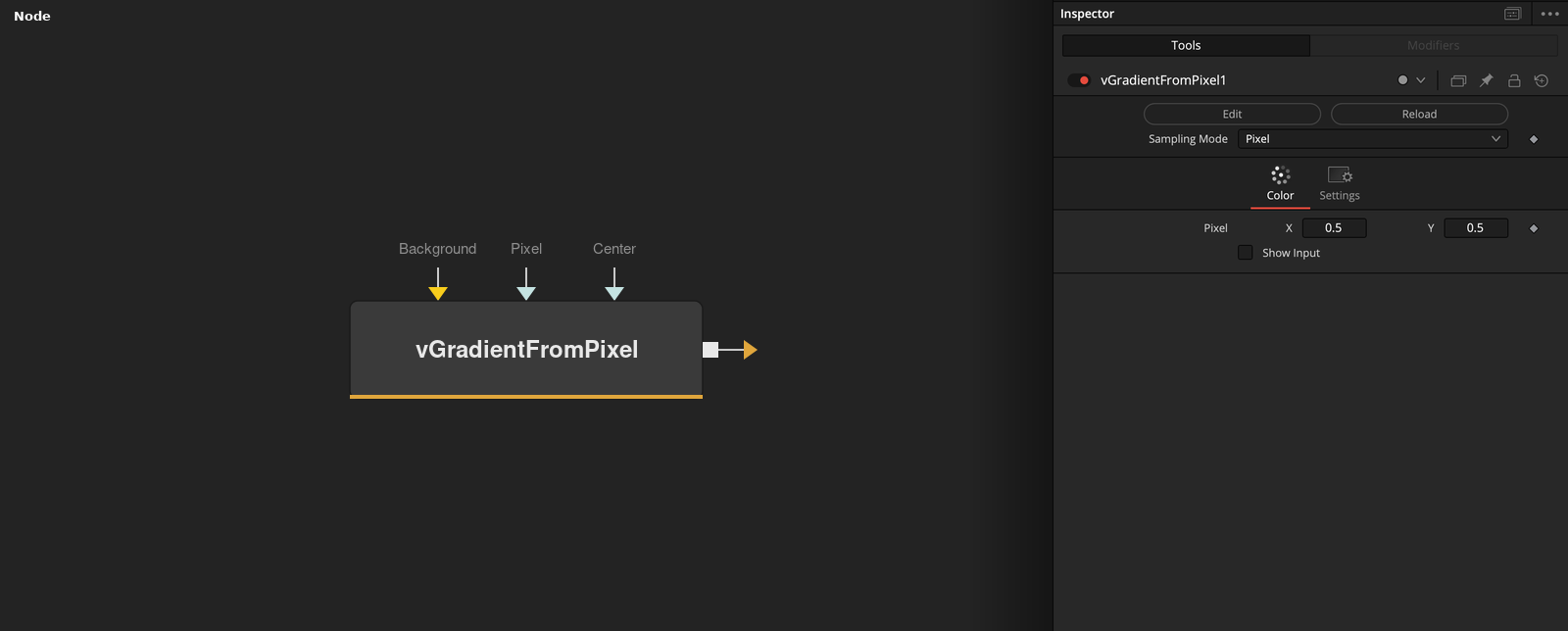
Parameters
| Parameter | Type | Default | Description |
|---|---|---|---|
| Input | Image | — | Image to sample colours from. |
| Sampling Mode | Dropdown | Pixel | How pixels are sampled into gradient stops: Pixel (a single point), Scanline Horizontal/Vertical (evenly spaced samples along a line), or Rectangle (a 2D grid of samples within an area). |
| Pixel | Point | — | Position to sample. Pixel mode only. |
| Samples | Integer | 16.0 | Number of colour stops generated. Scanline modes only. |
| Center | Point | — | Center of the sampling area. Rectangle mode only. |
+5 more parameters
| Parameter | Type | Default | Description |
|---|---|---|---|
| Width | Float | 1.0 | Width of the sampling rectangle, as a fraction of frame width. Rectangle mode only. |
| Height | Float | 1.0 | Height of the sampling rectangle, as a fraction of frame height. Rectangle mode only. |
| Horizontal Samples | Integer | 16.0 | Number of sample columns across the rectangle. Rectangle mode only. |
| Vertical Samples | Integer | 16.0 | Number of sample rows across the rectangle. Rectangle mode only. |
| Show Input | Integer | 0.0 | Reveals the wire for the Input connection in the Flow view. |