vGradientWireless
Create wireless links between gradient objects The vGradientWireless node allows you to connect to other matrix based nodes in your comp without drawing the connection wirelines visually in the Flow/Nodes view. This can be helpful if you need to reduce clutter.
Core / GradientGradient
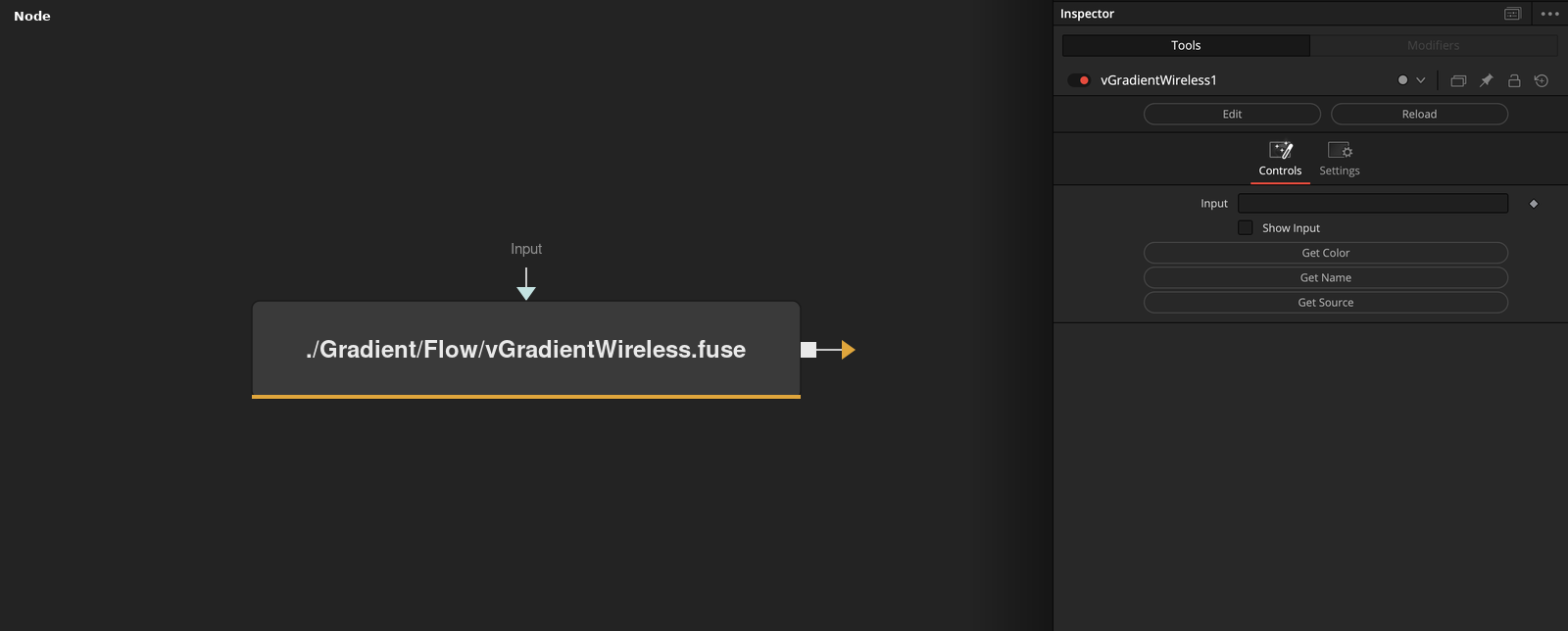
Parameters
| Parameter | Type | Default | Description |
|---|---|---|---|
| Input | datatype | — | The upstream Gradient connection to link wirelessly. The wire stays hidden in the Flow view unless Show Input is enabled — data still passes through to Output as normal. |
| Show Input | Integer | 0.0 | Reveals the wire connecting Input, so it's visible in the Flow/Nodes view like a normal connection. |
| Get Color | Float | — | Copies the connected node's tile and text colour onto this node — a quick way to visually match a wireless link with its source. |
| Get Name | Float | — | Renames this node to wire_<source node name>, so it's identifiable as the wireless counterpart of its source. |
| Get Source | Float | — | Selects and activates the connected source node in the flow — a quick way to jump to it. |