vFileSystemChmod
Change a file/folder's access permissions The "File" textfield is used to specify a file or folder path. The "Mode" control is used to specify the file mode (access permission) as an integer number. This is typically an octal value like "777", "755", etc. The "Recursive" checkbox allows you to apply the access permission changes to items inside a folder. Note: This node works on macOS and Linux systems only due to the use of the UNIX "chmod" utility.
Core / FileSystemFileSystem
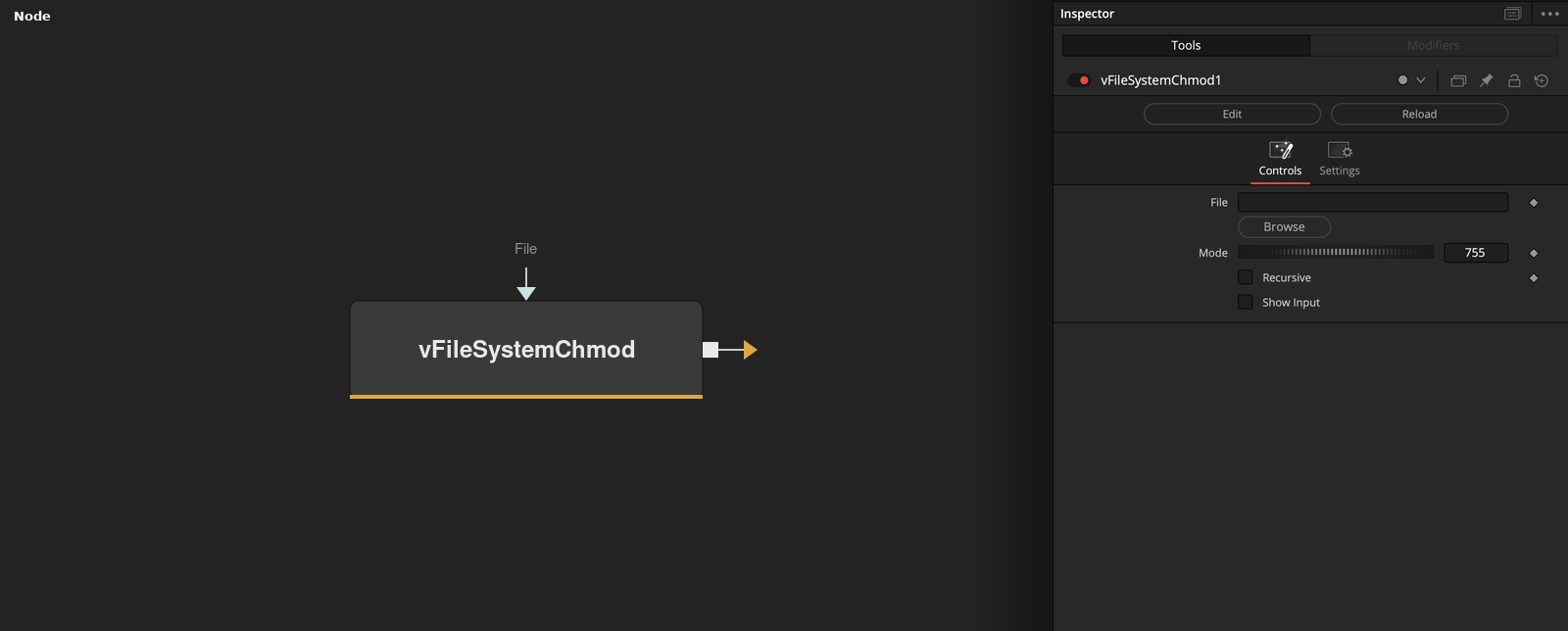
Parameters
| Parameter | Type | Default | Description |
|---|---|---|---|
| File | Text | — | Path to the file or folder to change permissions on. |
| Mode | Integer | 755 | Access permission as an octal-style number, e.g. 755 or 777. |
| Recursive | Integer | 0 | Applies the permission change to everything inside the folder, not just the folder itself. |
| Show Input | Integer | 0.0 | Reveals the wire for the File connection in the Flow view. |